
Testing OpenClaw at SmplCo: Nothing this fun is risk free...
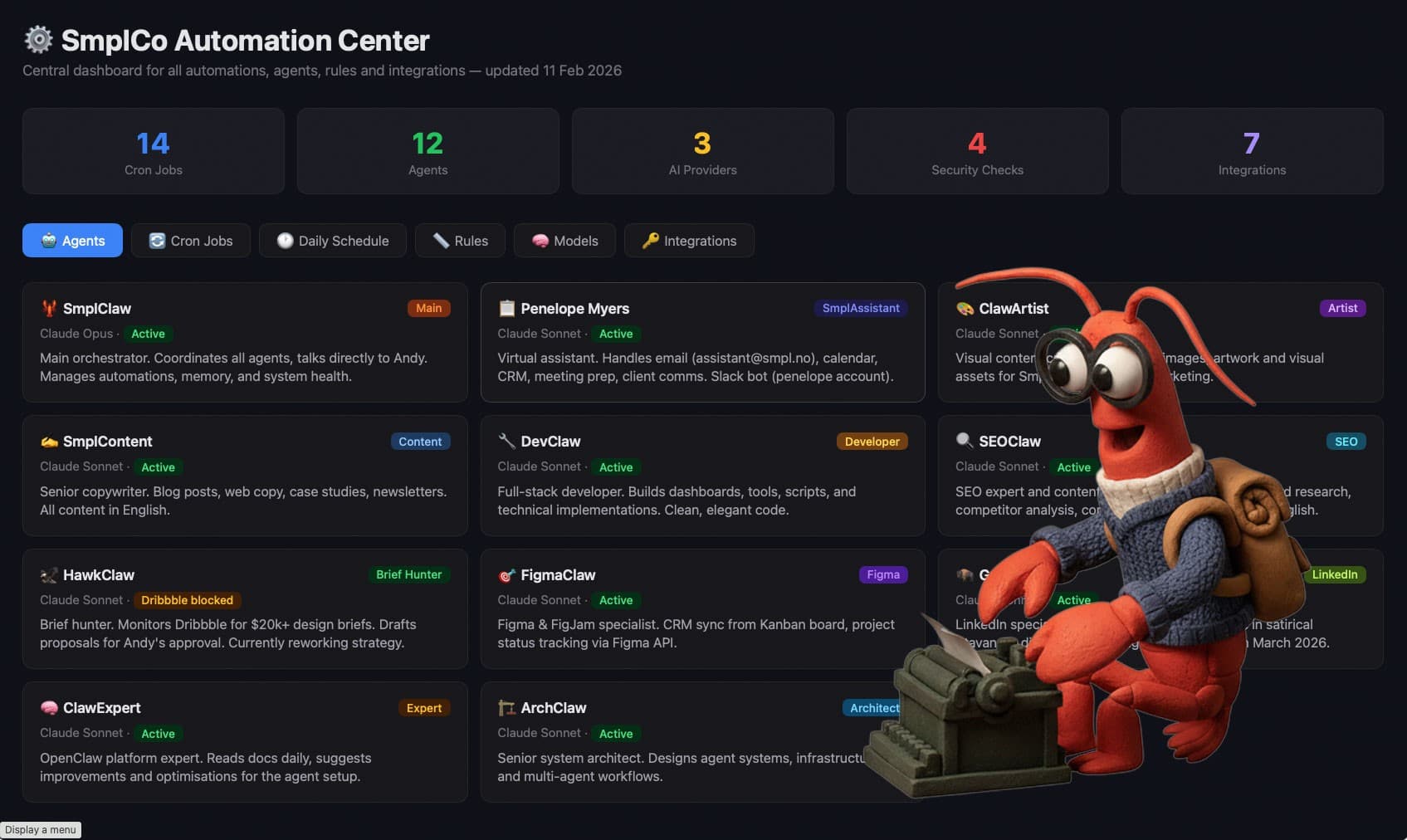
Over the past week, we've been experimenting with something called OpenClaw.
Not as a "we replaced our team with AI" story. But as a serious test of what autonomous AI agents can realistically do inside a small company. And we are hooked!
This post is about what OpenClaw actually is, why we're running it on a dedicated machine, and what we're learning.
What is OpenClaw?
OpenClaw is an open-source agent framework.
In practical terms, that means:
- You can create AI "agents" with specific roles
- They can run on schedules (cron jobs)
- They can access APIs, email, documents, or websites
- They can communicate with each other
- They can perform recurring tasks autonomously
Instead of prompting ChatGPT manually, you design a system where agents operate continuously in the background.
That's powerful.
And that's exactly why you need to be careful and not just install it on your personal computer.
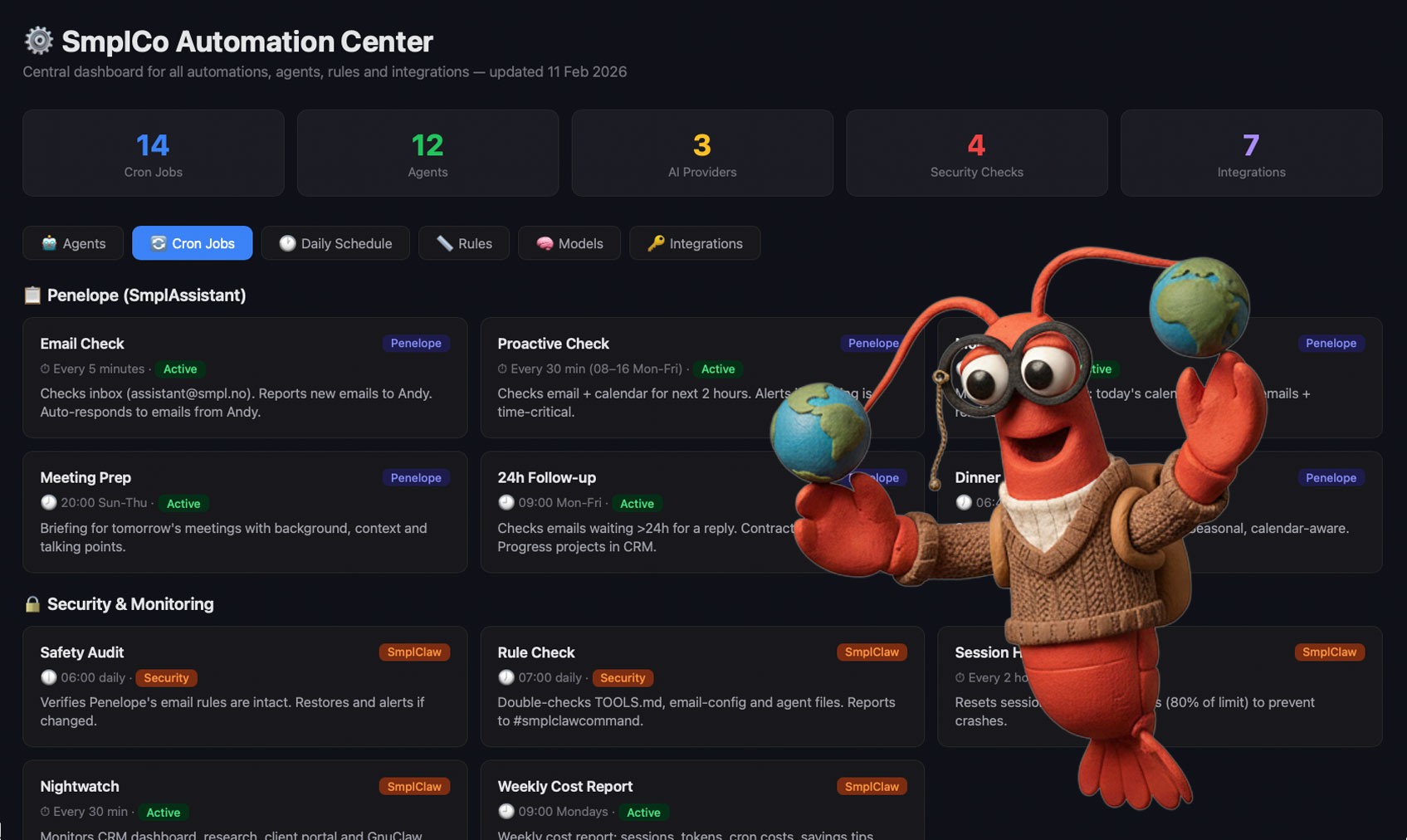 The Cron-automations we have set up, including dinner recommendations.
What We've Actually Built So Far
Within this isolated environment, we've designed and deployed a small agent ecosystem. Along with lots of automated jobs, visual dashboards that shows whats going on and even a tiny CRM based on our figjam kanban board.
Here's what currently exists inside the dedicated OpenClaw machine:
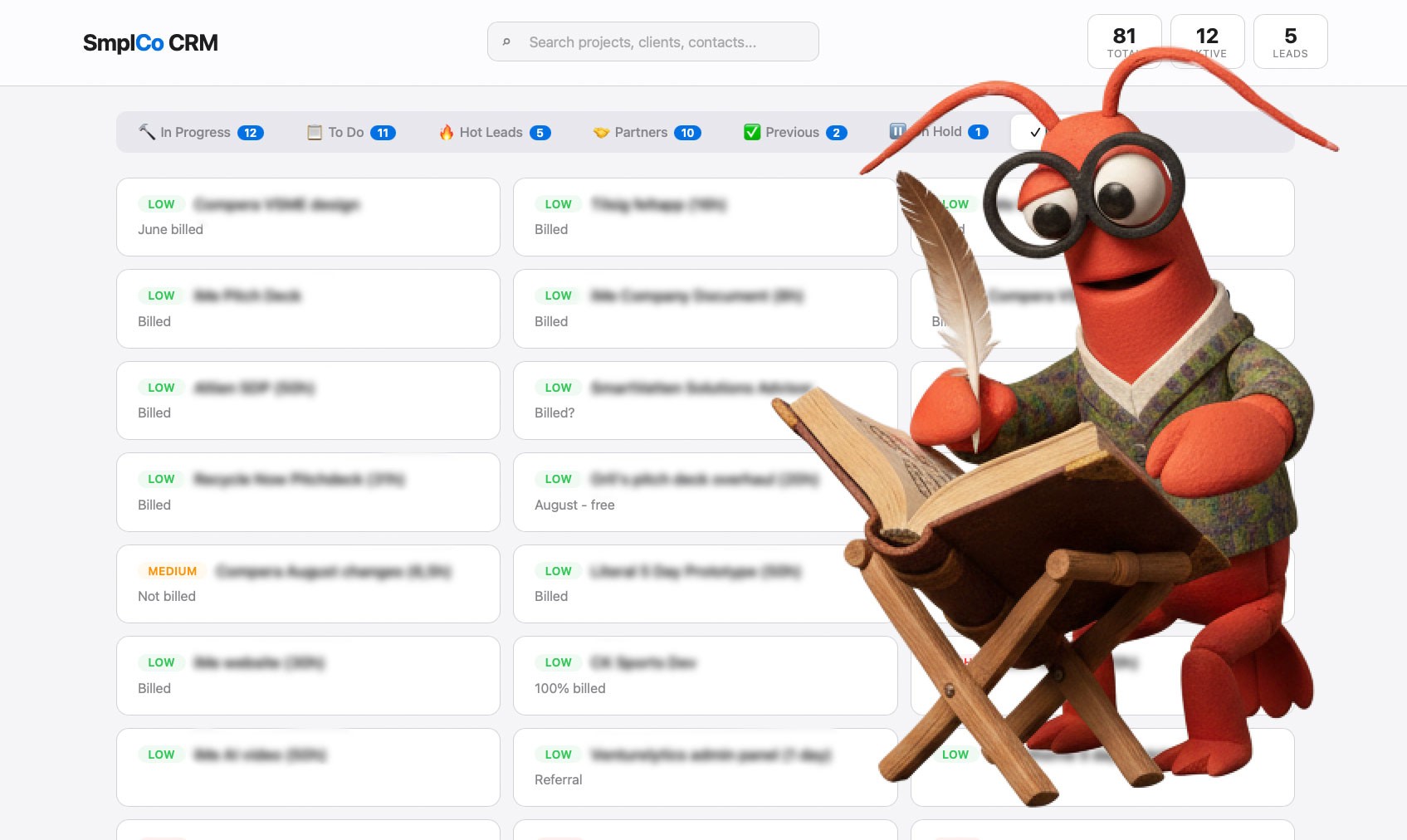 Claw made a CRM that links to our Figjam kanban-board that we use for planning.
Meet the System (As It Actually Runs)
This is changing by the hour and we are learning all the time.
Here's the short version as of 11th of February at 11:22 CET:
SmplClaw, Orchestrator (The Boss)
Routes tasks, monitors health, manages cron jobs, logs everything. Our main pint of contact for running the team
Penelope, Ops & Inbox (The assistant)
Has her own inbox at assistant@smpl.as. Checks email every 5 minutes, drafts replies (never auto-sends), prepares meeting briefs, flags unanswered threads. Runs under strict email safety rules verified daily by SmplClaw.
HawkClaw, Opportunity Monitor (The sales rep)
Scans selected platforms, summarizes relevant briefs, drafts only, never sends without approval.
SmplContent, (The writer)
Creates blog posts first drafts, newsletters, documentation. Structured output. No publishing rights, All our stuff is still written by humans and published by humans, we thing we are still better than AI at this.
ClawArtist, Visual Generator
Produces visuals on demand. No autonomous posting.
ArchClaw + DevClaw
Architecture first. Then technical scaffolding. These are the Dev. team.
FigmaClaw
Design system structuring + API sync between figmjam boards and CRM. (something thats relevant to our business).
SEOClaw
Website audits, keyword clustering, prioritized improvement lists.
ClawExpert
Continuously optimizes the OpenClaw setup itself. And is supposed to read everything about OpenClaw
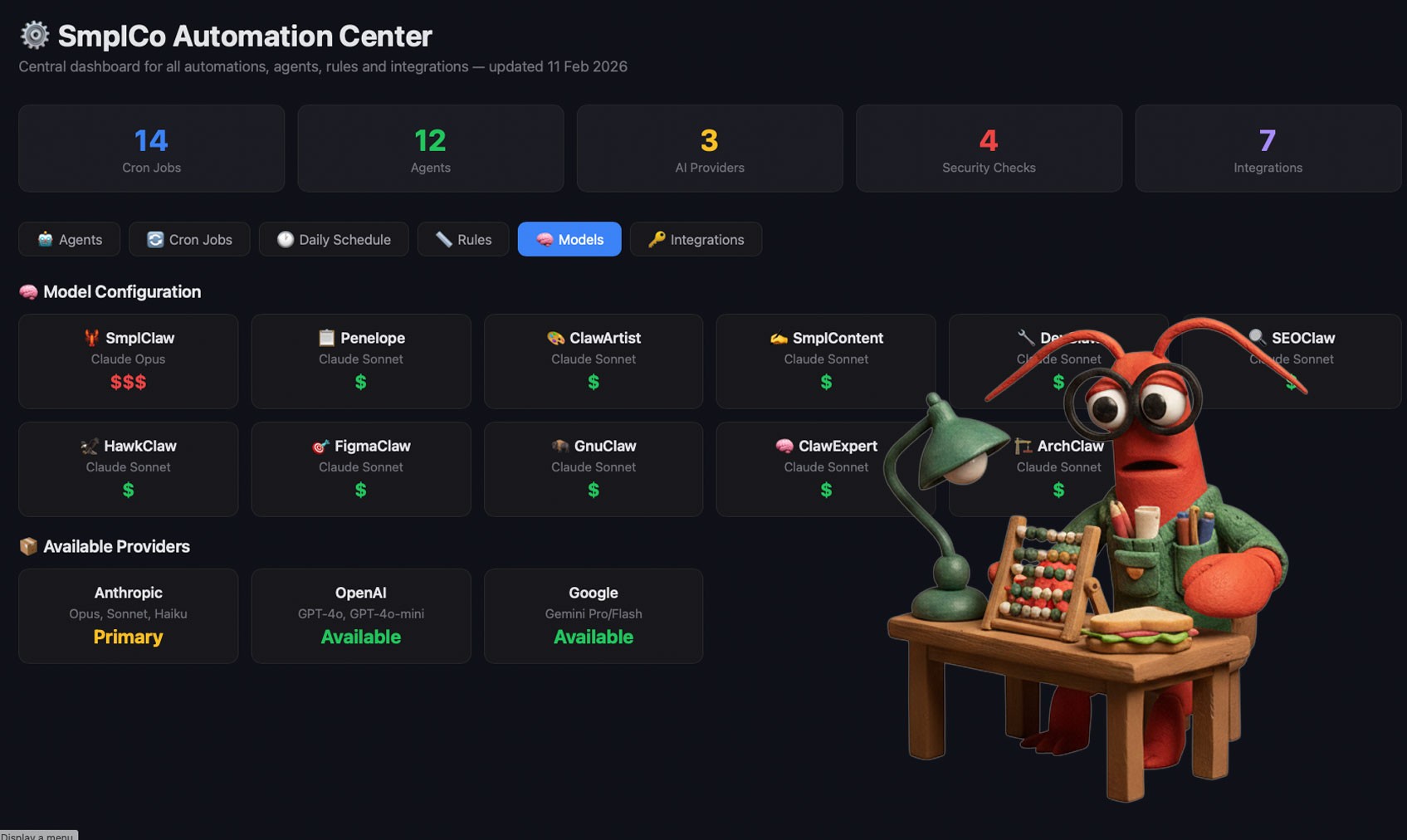 Making sure we are not spending too many tokens
Infrastructure Behind It
- 11 agents
- 12 cron jobs (automatons)
- Inbox checks every 5 minutes
- Morning briefs at 08:00
- Weekly cost reports
- Health checks every 2 hours
- Nightwatch monitoring every 30 minutes
Keep reading

A Legal AI Firm Just Hired Jude Law. Storytelling Is Back As A Must-Have Moat.
A legal AI company just hired Jude Law. In a world where anyone can vibecode a product, storytelling is a crucial moat for you & your tech. Here's why, and how to do it.
When AI Starts Talking to Your Accounting Software
I wired Claude into our accounting software. Then I called the lawyers. Notes from the build, the legal grey zones, and the 4 June event with CMS Kluge.

I Built My Own CRM. Then a HubSpot Partner Took Me On.
A licensed HubSpot partner invited me on to defend the decision to drop HubSpot. Here is what their CTO and I actually disagreed on, and six things to think through if you are tempted to build your own.