
Why no-one is using your Power Apps and how to fix it.
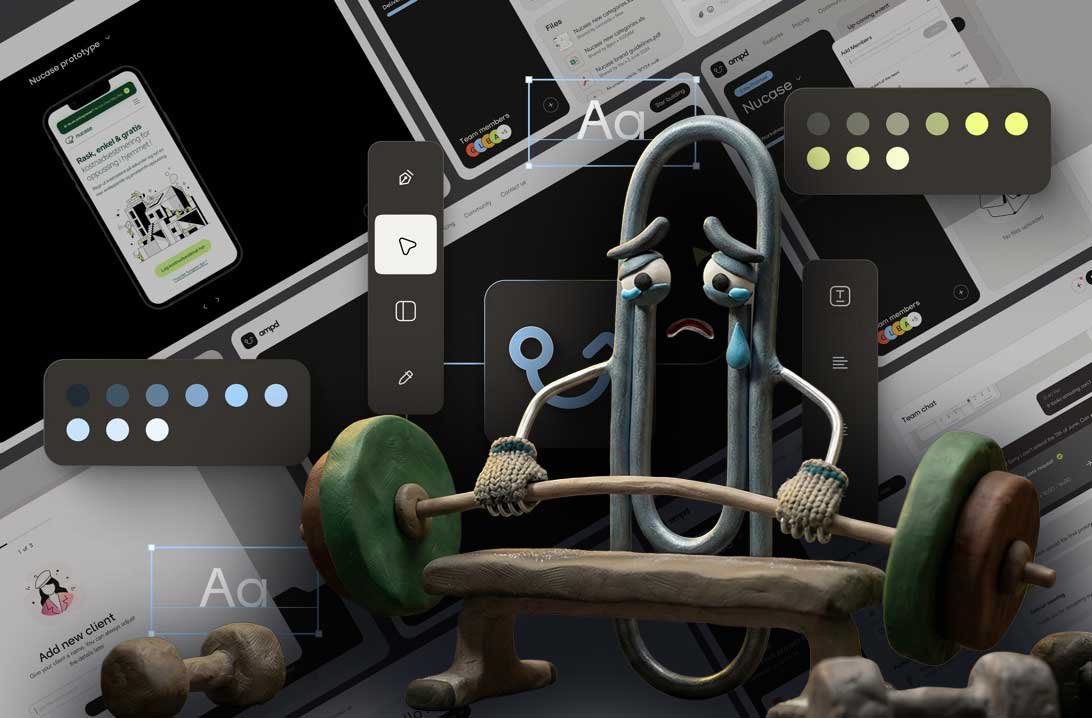
SmplCo's managing partner Andreas Melvaer sat down with Oliver Lyso, developer and managing director at Samsari, Microsoft app specialists, to talk about a shift that's been quietly reshaping enterprise software: Power Apps Code Apps. The takeaway? The days of clunky internal tools are numbered.
Who This Is For
If any of these sound familiar, this is relevant to you:
- You're already on Microsoft 365 or Dynamics but your internal tools feel dated and clunky
- You've tried Power Apps before but hit the limits of the standard component library
- Your teams have low adoption on internal tools, they default to spreadsheets and email instead
- You want custom software but need it to fit within your existing Microsoft security and compliance framework
- You're paying for platform capabilities you're barely using
The technology has caught up. The question now is whether your tools will catch up with it.
Power Apps Has Changed, You Can Actually Build What You Want Now
The big shift is Code Apps. You can now use React, work in Visual Studio Code, deploy with the Power Platform CLI, and still get everything the Microsoft platform gives you. Dataverse, security, roles, integrations. It's the best of both worlds.
You're not stuck inside the standard component library anymore. You can build the solution exactly the way you want it, without the compromises that used to come with Power Apps.
What This Means for User Experience
The number one reason internal tools fail isn't the technology, it's adoption. People don't use them because they're painful to use. The interfaces are clunky, the workflows don't match how people actually work, and eventually everyone finds a workaround in Excel or email.
When you can build a proper React frontend on top of the Microsoft stack, you can give people interfaces that are genuinely good to use. Not just functional, actually well-designed.
SmplCo is a product design and development company, we think about user journeys, interaction patterns, visual design. Pairing that with deep Microsoft expertise means customers can now get state-of-the-art user interfaces on their Microsoft apps.
The AI Acceleration
With tools like Claude Code, Copilot, and even the Figma MCP, you can go from idea to design to working app much faster than before. The Figma-to-code pipeline has gotten incredibly fast. And when you combine that with the Power Platform, where your data layer, security model, and integrations are already in place, you're not starting from zero.
Getting More Out of What You Already Pay For
Most organisations are paying for huge platforms and using a fraction of the features. The opportunity here isn't about buying more software. It's about unlocking the value of what you've already got.
A well-designed Power App with a proper React frontend can replace three separate tools and a stack of spreadsheets, using infrastructure the company is already paying for. And because it's all inside the Microsoft ecosystem, you get security, compliance, and governance out of the box.
If you want to explore what's possible with Code Apps, AI-assisted development, and proper product design on the Microsoft stack, get in touch.

About the author
Andreas Melvær
Managing Director & Co-founder, SmplCo
Andreas is the MD and co-founder of SmplCo. A product nerd at heart, he leads the company's 5-Day Prototype service and has helped 150+ startups and enterprises turn ideas into working digital products. He builds with AI, ships with speed, and occasionally wins marketing awards.
Keep reading

Who Owns AI-Generated Code? A Founder's Legal Guide
AI tools ship code in minutes. But can you copyright it? What if it copies someone else's work? Practical answers for founders building with AI.

What Is Vibe Coding? (And Why Most Founders Get It Wrong)
The Case for Disciplined Vibecoding
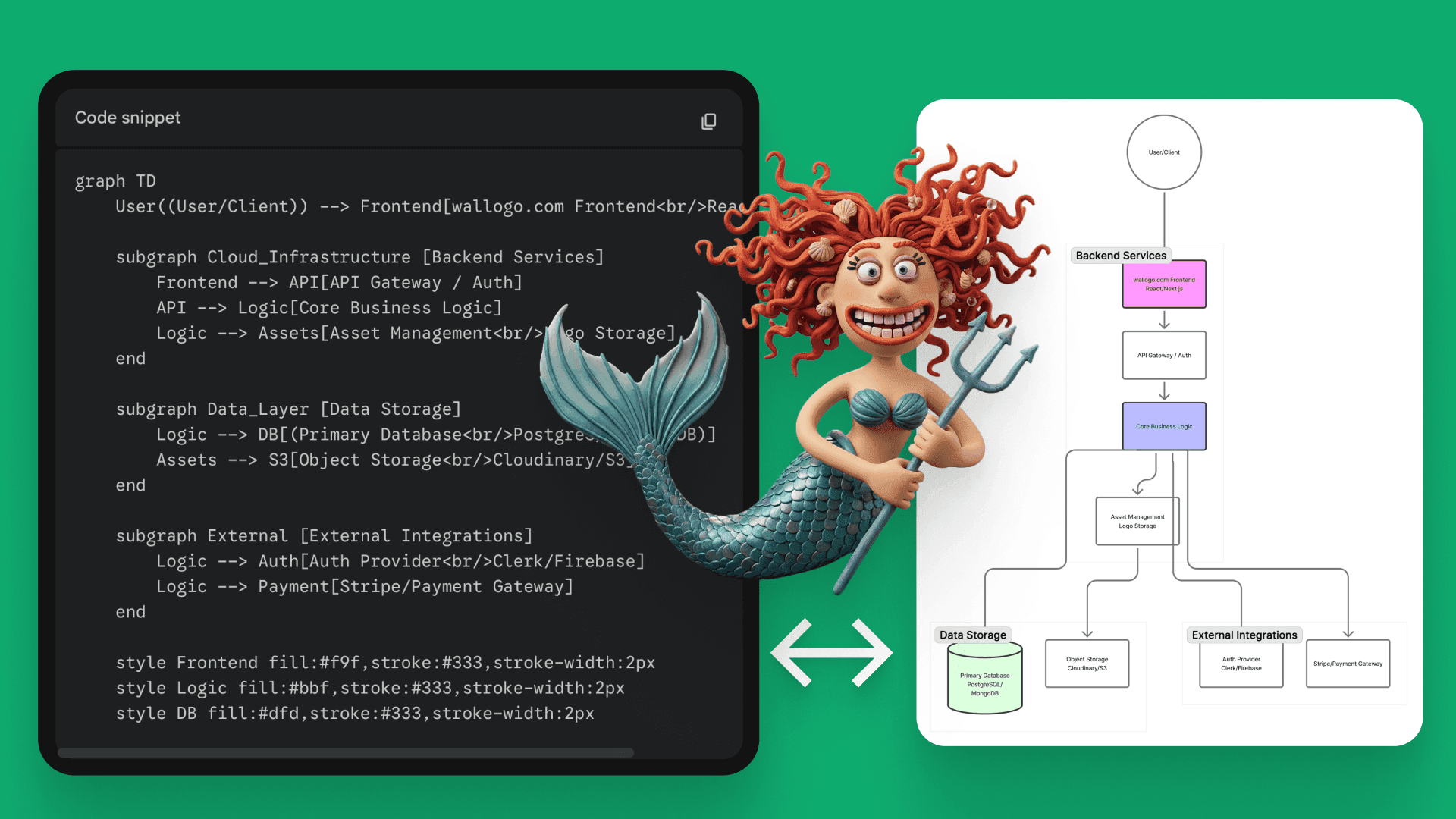
Bjorn Ivar and I built a mini SaaS, Wallogo, using vibecoding. What we learned about shipping production software with AI in days, not months.