
Free playbook · 13 pages
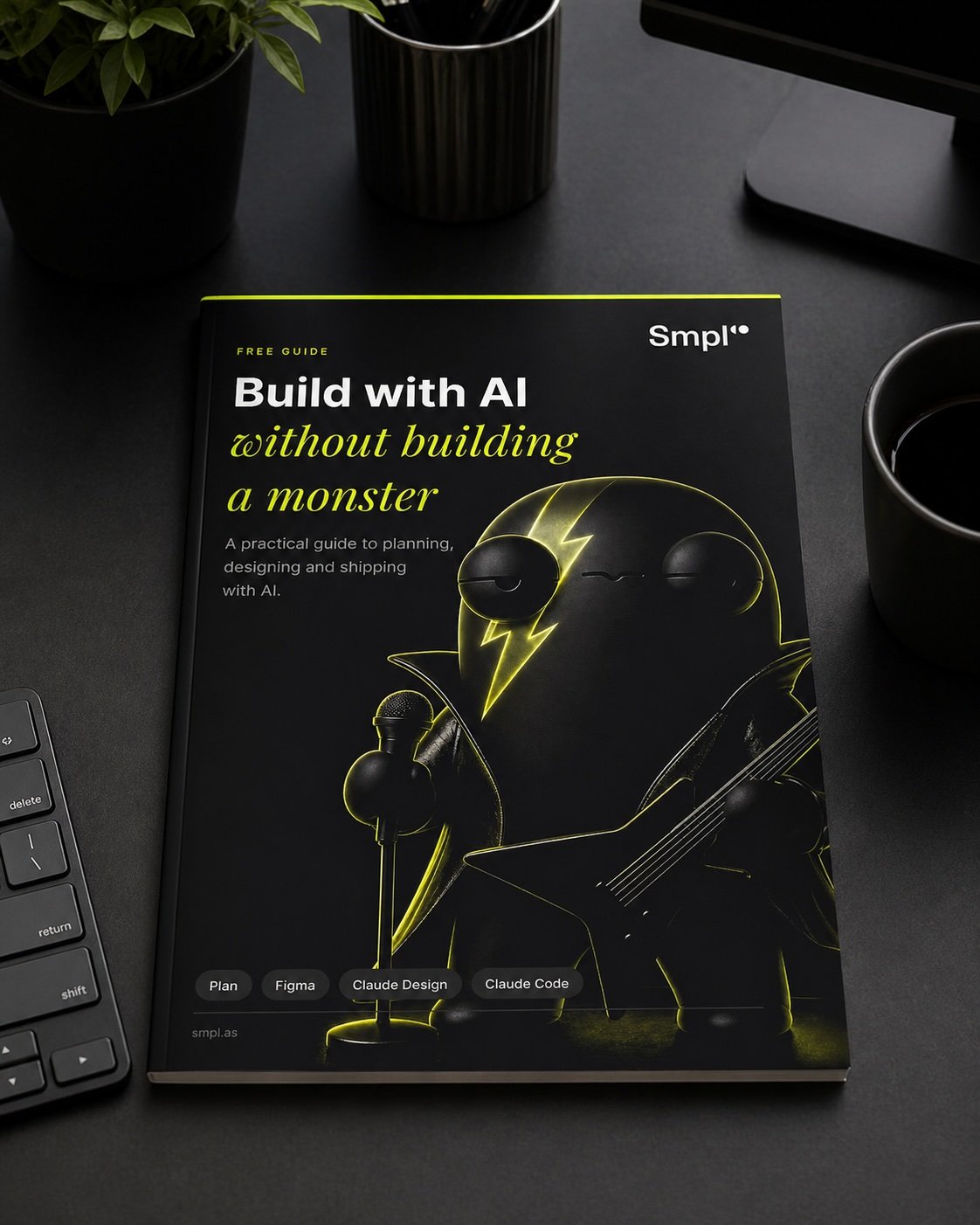
Build with AI without building a monster
A practical guide to planning, designing and shipping with AI. The workflow we use ourselves, built to stop an AI project turning into something nobody can maintain, explain or afford to run.
 Get the free playbook
The workflow, top to bottom
Plan, then Figma, then a design system the agent has to build inside, then Claude Code, then GitHub and deploy. The same flow we use on every project. The order matters more than the tools, and most of the value is in the two steps before anyone writes code.
Plan, design, decide
Brief writing and journey design before AI gets involved. The boring questions: who is this for, what problem does it solve, what does the main journey look like, and what does done actually mean. Have the agent interview you and answer properly. This is the step that decides whether the rest goes well.
Operationalise the system
Turn your Figma design system into rules the AI builds inside rather than beside. Colours, type, spacing and components as tokens in your repo, which Figma MCP lets the agent read directly. Skip it and you get default gradients, glassmorphism nobody asked for, and shadows dropped on every card.
Build with Claude Code, carefully
Plan first, then build. Not "can you build the whole app" but "build the main journey from this brief, this Figma file and these rules". You want it behaving like a good junior developer, not a caffeinated raccoon with access to your repo. Main journey first, no new visual styles invented on the way.
Ship, secure, sustain
GitHub, deploy, domain, data. The boring infrastructure that turns a prototype into a product, plus the sanity check most AI builds skip: where is the data processed, where is it stored, who can reach it, and what does each request cost you.
The mistakes we see every week
Six patterns we see often enough to predict. Each one turns an AI investment into a budget drain, and each one is cheaper to avoid than to unpick.
Starting with the prompt, not the brief
Asking AI to make an app before deciding who it is for, what problem it solves, or what done means. You get something that looks finished, works badly, and has to be unpicked before it can be fixed.
Letting AI invent its own design system
Default purple gradients on every screen. Glassmorphism nobody asked for. Crypto-startup dashboards. Fine for a demo, wrong for a product, and an expensive rebuild once twenty screens exist.
Picking the cheap model first
Trying to save on inference, then shipping a feature that almost works. The gap between a frontier model and a budget one is usually the gap between a feature people trust and one they stop using.
No evals, no observability
Shipping AI features with no way to tell when they degrade or what they cost per request. You find out from a customer, or from the bill, and by then you cannot tell which change caused it.
Bolting AI onto the wrong feature
Adding a chat interface because a competitor did, rather than starting where AI actually moves a metric. The question is not where could we put AI, it is what is slow, expensive or manual today.
Going all-in on one model
Treating one provider as a permanent partner. Different models suit different jobs, and the right answer is usually a thin abstraction and the freedom to move when something better lands.
Get the free playbook
Thirteen pages, no fluff. The actual workflow Andreas and Mike use with the founders and product teams they work with, including the parts nobody writes down.
Get the free playbook
6 pages of frameworks for integrating AI into your product without burning cash or stalling execution.
Common questions
What is "Build with AI without building a monster"?
A free thirteen-page playbook from SmplCo. The premise is that you do not start with AI, you start with structure. It covers the brief, the design system, building with Claude Code, and the shipping and security work that turns a prototype into something you can actually run.
Why do AI-generated apps all look the same?
Because if you do not give the agent a design system it uses its defaults. Purple gradients on every screen, glassmorphism nobody asked for, shadows dropped on every card, hex codes you never specified. The fix is to turn your Figma system into tokens and components in your repo first, which Figma MCP lets the agent read directly, and then make it build inside that rather than beside it.
What goes in an AI build brief?
Who it is for, what problem it solves, what the main journey is, what happens when the model gets something wrong, and what done means. Write it before anyone prompts anything. The fastest way to get there is to have the agent interview you and to answer the boring questions properly.
Should I use one AI model or several?
Several, behind a thin abstraction. Different models suit different jobs, and treating one provider as a permanent partner is how you end up unable to move when something better lands. Picking the cheapest model first is the more common and more expensive mistake: the gap between a frontier model and a budget one is usually the gap between a feature people trust and one they quietly stop using.
How do I know if an AI feature is working?
Evals and observability, decided before you ship rather than after. You need a way to tell when output quality degrades and what each request costs. Without both you find out from a customer or from the bill, and by then you cannot tell which change caused it.
What about data protection and European hosting?
If you cannot say where a customer's data is processed, where it is stored and who can reach it, you are not ready to ship. The playbook names European alternatives for when you need them: Scaleway, OVHcloud and Hetzner for hosting, Mistral and Aleph Alpha for models, GitLab and Codeberg for code. You do not always need them, but for public sector and regulated industries you will be asked.
Who should read it?
Founders, product leaders and CTOs at startups and scale-ups who are either thinking about their first AI feature or have one half-built and are not sure it is going the right way. It assumes no machine learning background.
Is it really free?
Yes. A free download in exchange for an email address. No paywall and no upsell. If you would rather talk it through, book a call and we will give you a straight answer about what you are building.
Need a second opinion on your AI bet?
Book a free 30-minute call with Andreas. No pitch, just a sanity check on what you're building, where the cost is going, and whether the AI part is doing the work it's meant to.