
Free guide for teams & founders
Build your own internal tools
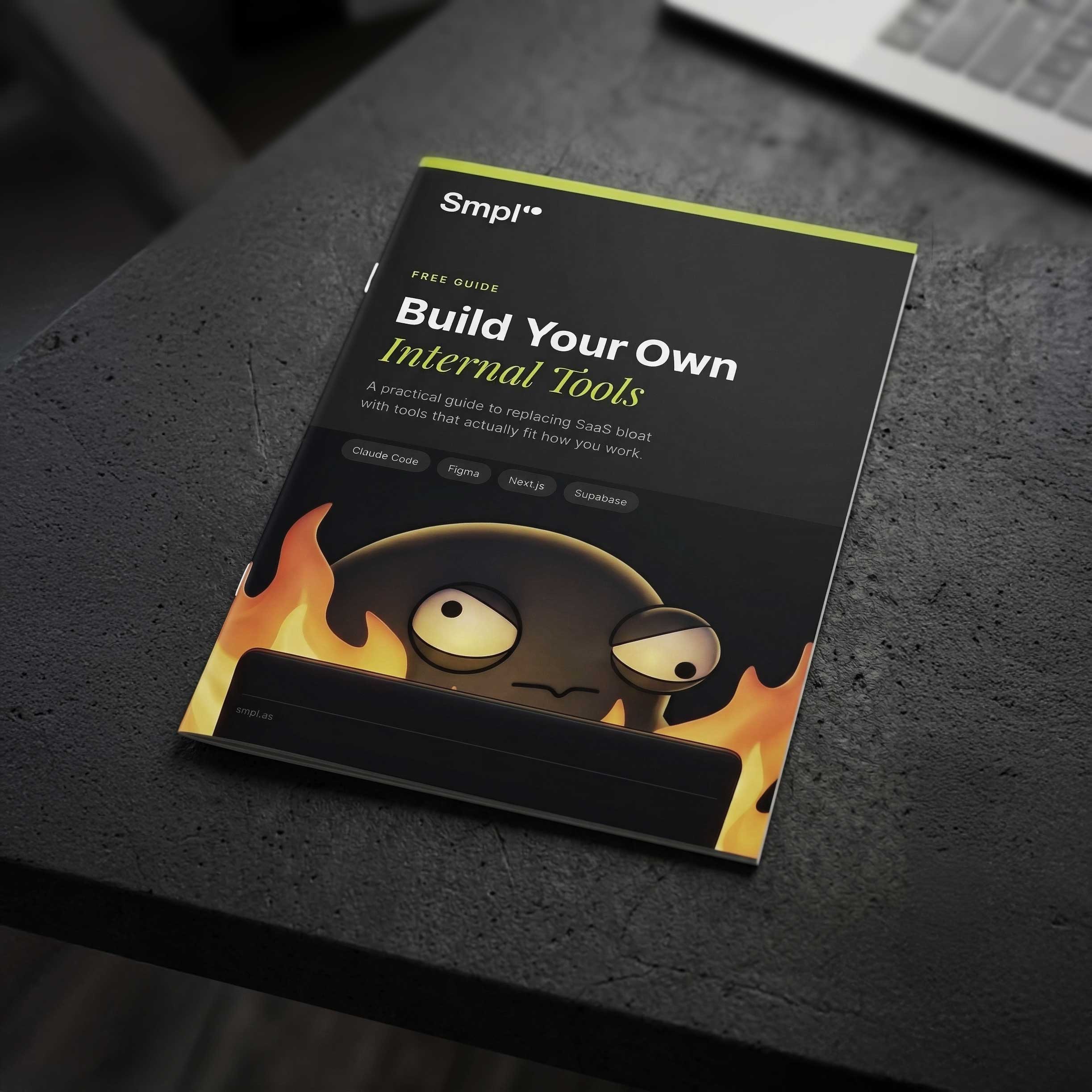
A practical guide to replacing SaaS bloat with tools that actually fit how you work. The short version: make a design system before you write features, and let the agent interview you before it writes code. Skip either and you rebuild.
 Get the free guide
What's inside
the guide
We built our own CRM, newsletter tool, task planner and Meta Ads integration, and got several things wrong on the way. This is what we learned: what is genuinely quick to build now, the two steps almost everyone skips, and the jobs you should still leave to somebody else.
Why Build Your Own
Most teams pay for a thousand features and use forty. What changed is not that software got free, it is that the cost of a tool built exactly for how you work dropped below the cost of working around one that nearly fits.
What's Easy to Build
Dashboards and admin panels in days. CRMs and client portals in a week or two. A realistic table of what fits in that window, and the three things you should not attempt at all.
The Stack
Figma, Supabase, Resend, Vercel or Railway, GitHub and Claude Code. What each is for, what it costs, and how MCP connects the agent to the systems you already run so it stops building demos.
Design System First
The step almost everyone skips. Give an agent no design system and it reaches for the defaults, usually shadcn, and your tool looks like every other tool built this year. An afternoon in Figma prevents it.
Plan Before You Build
Prompting is not the skill. Ask the agent to interview you before it writes anything, answer properly, and iterate on the plan until you genuinely understand each other. The plan is what it refers back to later.
What to Watch Out For
Cognitive overload and crowded dashboards, the rebuild you get from starting without a plan, and where to draw the line on code you cannot personally check.
Five Days, Start to Finish
Audit what you pay for, plan and design, build, put a preview link in front of real people, then strip the friction and ship. One tool, one week.
What's actually easy to build
These used to need a dev team and a quarter. Most now take days or weeks, and they will fit your workflow better than anything you can buy, because you are building for one team rather than a hundred thousand. The times below assume you have done the design system and the plan first.
Simple CRM
1–2 weeksContact tracking, pipeline stages, activity log
Task planner
1 weekTeam scheduling linked to clients or projects
Newsletter tool
1 weekTemplates, send tracking, subscriber management
Internal dashboard
2–3 daysKPIs, charts, real-time data from your APIs
Landing page generator
1 weekAI-generated pages deployed at custom URLs
Admin panel
2–3 daysManage content, users, or settings for any app
Client portal
1–2 weeksShared project status, files, and communication
Reporting with API integrations
1–2 weeksPull data from Meta, Google and Stripe into one dashboard
What to watch out for
Building your own tools is easier than it used to be. That does not make it free of tradeoffs, and the failures are predictable enough to list.
Get started in 5 days
You do not need to replace everything at once. Start with the one tool that is most painful or most wasteful, and give it a week.
Audit
What do you pay for, what do you actually use, and what is annoying every single week. Pick one.
Plan and design
Let the agent interview you until the plan is right. Design one screen, pull out a small style guide, turn it into code.
Build
The stack scaffolds in minutes now, not a day. Spend the time on the one thing the tool exists to do.
Test in the open
Deploy a preview link and send it to real users. Watch where they hesitate, because that is where the friction is.
Strip and ship
Fix what they tripped over. Deploy properly. Then leave it alone for a week before you add anything.
Get your free Build Guide
Ten pages on building internal tools with an AI coding agent, based on the ones we built for ourselves rather than on what sounded good in a blog post.
Get the free guide
8 pages of practical advice on building internal tools with AI coding assistants and Figma.
Common questions
Why should I build my own internal tools?
Most teams pay for a thousand features and use forty, then bend their process around the tool because changing it is not an option. With an AI coding agent writing the boilerplate, the cost of a tool built exactly for how you work has dropped below the cost of working around one that nearly fits. You also own the code, the data, and the price.
What kinds of internal tools are easy to build?
Internal dashboards and admin panels take two to three days. Task planners, newsletter tools and landing page generators take about a week. Simple CRMs, client portals and reporting tools that pull from Meta, Google or Stripe take one to two weeks. Anything self-contained, used by people you know, is quick.
Why do AI-built tools all look the same?
Because if you do not give the agent a design system it reaches for the defaults, usually shadcn. The output works and looks exactly like every other tool built the same way that year. The fix takes an afternoon: design one screen in Figma, pull out a small style guide of colours, type and spacing, then have the agent turn it into tokens and components in your repo and build against those.
How should I prompt an AI coding agent?
Prompting is not really the skill any more. Planning is. Ask the agent to interview you before it writes anything: who uses this, what happens when it gets something wrong, what it has to talk to. Answer properly, then iterate on the plan until you genuinely think you understand each other. The plan is what the agent refers back to when it hits a decision you did not anticipate.
What tech stack does the guide recommend?
Figma for the design and style guide, Supabase for the database and auth, Resend for email, Vercel or Railway for hosting, GitHub for the code, and Claude Code to write it. MCP is the piece most people have not found yet: it connects the agent to the systems you already run, which is the difference between a demo and a tool.
What should I not build myself?
Payments, accounting and anything with a compliance regime attached. Stripe, your accountant and your auditor exist for good reasons. Build the thing that reads from them, not the thing that replaces them. And if a tool touches money, health data or anything a regulator cares about, have the code reviewed by somebody who did not write it.
How long does it take to build an internal tool?
A week is realistic for one tool if you scope it properly. Day one to audit and choose, day two to plan and design, day three to build, day four to put a preview link in front of real users, day five to strip the friction and ship. The stack itself scaffolds in minutes now, so the time goes on deciding what to build rather than on setup.
Is the Build Your Own Tools guide free?
Yes. It is a free ten-page PDF and we will not chase you for downloading it. If you would rather we built the tool for you, custom internal tooling sits under our 10 Day MVP and Product Team as a Service offerings.
Want us to build it for you?
We've built 150+ digital products for startups, scaleups, and global brands. If you want help building your own internal tools, or want us to do it, we're here.