
Turn AI From a Risky Expense Into a Product Advantage
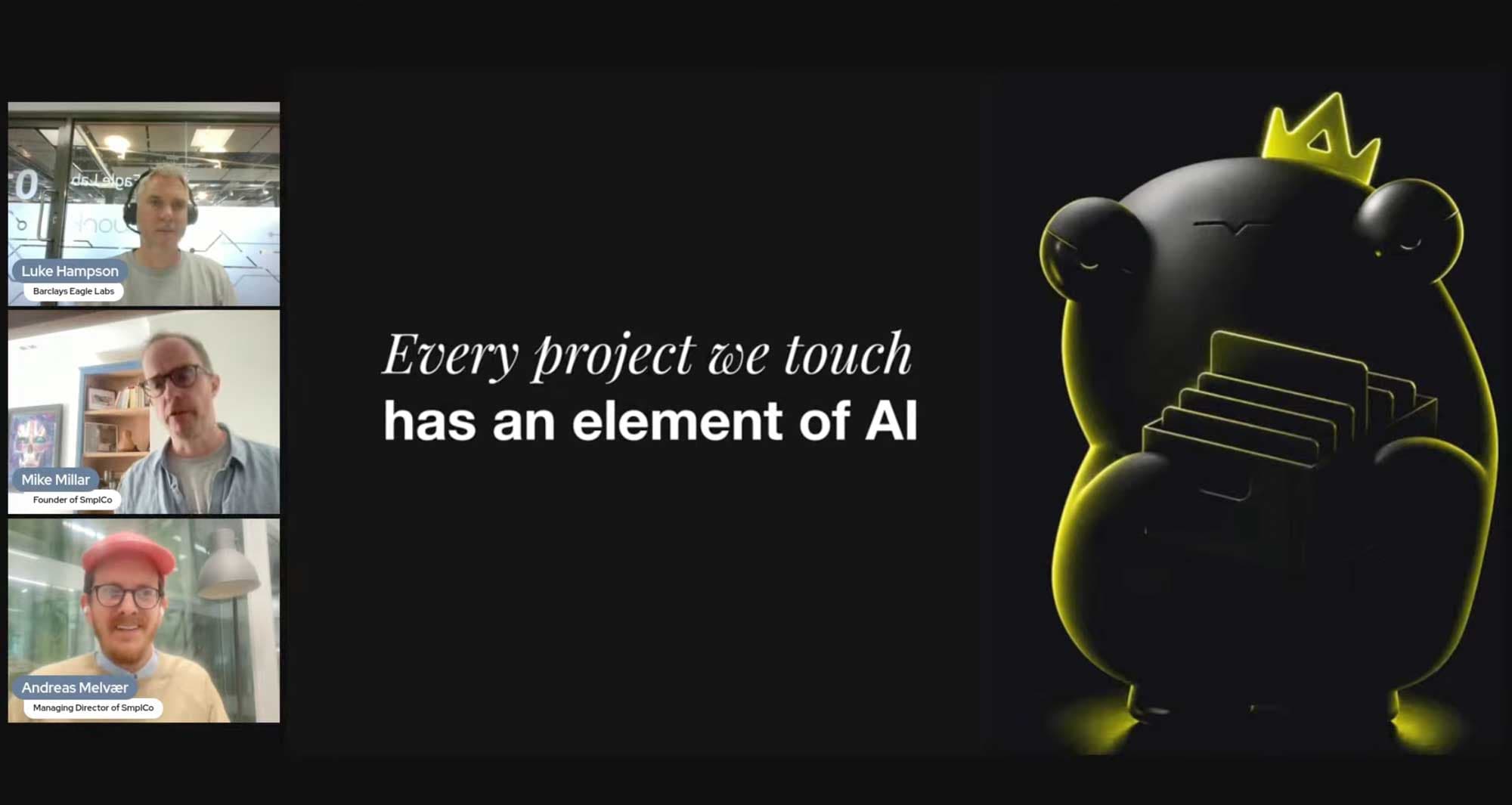
Mike and I are settling in to run a webinar with Barclays Eagle Labs on how to integrate AI into your product without lighting cash on fire. The 'AI Question' is one that comes up in nearly every conversation we have with founders right now, and the honest answer is that most teams are getting it wrong in one of three predictable ways:
Mistake One: bolting AI onto the wrong feature.
Mistake Two: paying for an enterprise model when a small one would do.
Mistake Three: freezing, waiting for the perfect moment that never comes.
Each of these mistakes is expensive, in its own special way.
This post is the short version of what we'll be walking through. Sign up for the webinar if you want the long version with Q&A, or grab the free playbook if you'd rather just read it.
AI is a competitive advantage. It's also a strategic risk.
That's the line we keep coming back to. At the moment we've got ...hang on, just checking the CRM... 16 active clients / product developments on the go at SmplCo, and every single one of those products has some AI inside it.
And here's the thing: the amount of AI embedded in each is not what matters. The most succesful are the ones that picked the right place to put it, in the right way, at the right stage.
A pre-seed founder treating AI like a Series-B scale problem will burn months on infrastructure they don't need yet. A scale-up bolting on a chat interface because their competitor did will end up with a feature nobody asked for. The cost isn't always money, sometimes it's six months of focus. It can also be security (if you're looking into chatbots, for example, have a quick search for 'prompt injection' and feel the chills.)
To be clear: we think AI is great. We use it all the time and, we're proud to say, to great effect. We've been picked by Figma as a global exemplar of AI-assisted product development, and we just won Lovable's international SheBuilds hackathon. AI is involved in almost every one of our projects.
But we've seen plenty of teams use it badly. There's been plenty of times we've coughed politely and suggested maybe the right answer was less AI, not more.
Free playbook · 13 pages
Build with AI without building a monster
A practical guide to planning, designing and shipping with AI. The workflow Andreas and Mike use with founders every week.
Download for free
Don't start with AI. Start with a plan and a structure.
This lesson is crucial and sits at the core of the playbook. And it's the bit most teams skip.
People start prompting before they really know what they're building, AI makes something that looks like an app, and then the problems show up. Things like unclear journeys, messy data, design that drifts from screen to screen, and code nobody wants to touch the next morning.
The workflow we've settled on after 150+ products goes like this:
Plan → Figma → Claude Design → Claude Code → GitHub → Deploy.
So, for the love of all that is holy, plan first.
The boring questions are where the value lives:
- who is it for?
- what problem are you solving?
- what's the first useful journey?
- what does "done" actually mean?
Using that, you create a one-page build brief. Then it's onto building the journey in Figma, including the three states everyone forgets: empty, loading, error.
Then Claude Design turns the system into rules so the AI builds inside it, not beside it. Then it's on to Claude Code and - THIS IS CRUCIAL - you ask it to plan before it codes, like a good junior developer instead of a caffeinated raccoon with access to your repo. GitHub, deploy, README, env vars in the right place. Then a sanity check on data, security, who can access what, and so on.
And whenever you're doing anything, always have this mantra repeating in your head: 'Build what makes me different, integrate what doesn't.'
And before you add any AI feature, ask the question that decides everything: "Is AI the product, or just a feature?" They're very different commitments.
Want the detail?
There's a free 13-page playbook that walks the whole thing through, with the prompts we actually use and the patterns to avoid. Download it here, no sales pitch, just the framework.
If you'd rather hear it live with the chance to ask Mike and me anything, register for tomorrow's webinar. It's free, it's online, it's an hour, and there's a recording for anyone who registers but can't make it live.
And if you're already building something AI-powered and want a second opinion before you ship, get in touch. It's the kind of thing we are really rather good at, and we have the badges to prove it.

About the author
Andreas Melvær
Managing Director & Co-founder, SmplCo
Andreas is the MD and co-founder of SmplCo. A product nerd at heart, he leads the company's 5-Day Prototype service and has helped 150+ startups and enterprises turn ideas into working digital products. He builds with AI, ships with speed, and occasionally wins marketing awards.
Frequently asked questions
- How do I integrate AI into my product without burning cash?
- Start by separating two distinct decisions: building with AI (using Claude Code, Cursor, or similar to ship faster) versus putting AI inside your product (where the model serves users at runtime). The second has a fundamentally different cost profile because every interaction costs tokens. Map your usage before you ship, a feature that calls a model on every keystroke is a different proposition from one that runs once per session. SmplCo's free AI Integration Playbook walks through the four-stage framework we use with founders.
- What are the most common AI integration mistakes founders make?
- Three mistakes show up in nearly every conversation: bolting AI onto the wrong feature without asking whether the problem actually needs it, paying for an enterprise model when a smaller one would deliver the same result for a fraction of the cost, and freezing while waiting for the perfect moment that never comes. Each of those wastes runway in a different way.
- Should every product have AI features in 2026?
- No. Most successful AI integrations are about picking the right place to apply AI, in the right way, at the right stage, not about cramming AI into every feature. Some products are made dramatically better by AI inside the core service; others are best served by using AI to build faster and ship a conventional product. Both are valid choices. SmplCo has worked on more than 150 products and the most successful ones picked one or the other deliberately.
- What is the difference between AI-assisted development and AI inside a product?
- AI-assisted development uses tools like Claude Code, Cursor, or Copilot to write code faster, the AI is the construction tool, but the shipped product would still work if every model went offline. AI inside a product uses the model at runtime to deliver core functionality (think: a writing assistant that calls an LLM on every prompt). The first carries minimal ongoing cost or risk; the second carries token costs, prompt-injection risk, and ongoing model dependence.
Keep reading
How to integrate AI into your product without burning cash
Six lessons from our Eagle Labs webinar: AI-as-build-tool vs AI-in-product, why tokens cost money, planning before vibe-coding, guardrails, defensibility.

The 2 most important questions you can ask yourself before pitching to investors
What's the most common mistake founders make when they pitch? Putting features before benefits. Here's the simple two-question exercise that fixes it.

A Legal AI Firm Just Hired Jude Law. Storytelling Is Back As A Must-Have Moat.
A legal AI company just hired Jude Law. In a world where anyone can vibecode a product, storytelling is a crucial moat for you & your tech. Here's why, and how to do it.