
We Replaced Our SaaS Stack with Custom Internal Tools

In short: If your team spends more time switching between tools than doing actual work, you can probably build something better yourself. Modern frameworks and AI-assisted development have made it realistic for small teams to build custom CRMs, planners, and marketing tools in weeks, and own the result entirely.
The Problem with Off-the-Shelf SaaS Platforms
Most companies run their business across a stack of tools they didn't choose, they inherited. A CRM here, a newsletter tool there, a project planner somewhere else, a website on a CMS that costs more to manage than it's worth.
You end up paying for a thousand features and using forty. Nothing connects properly. You switch tabs more than you do actual work. And every time you want to change something, the answer is an upgrade, a plugin, or a workaround.
We were in the same spot. We had a Framer site that was getting harder to maintain, a CRM workflow spread across spreadsheets and memory, and campaign reporting that meant logging into three different dashboards to figure out what was going on.
What We Built: CRM, Newsletter, Planner, and Ad Tools
So we built our own stuff, five custom tools to replace a handful of paid SaaS platforms:
- Custom CRM, three-stage pipeline (Prospect, Active Client, Complete) replacing spreadsheet-based tracking
- Newsletter tool, integrated with the same database as the CRM, no separate email platform needed
- Task planner, connected to client data so we can see what work is happening for whom
- Meta Ads integration, direct API connection for campaign deployment without dashboard-hopping
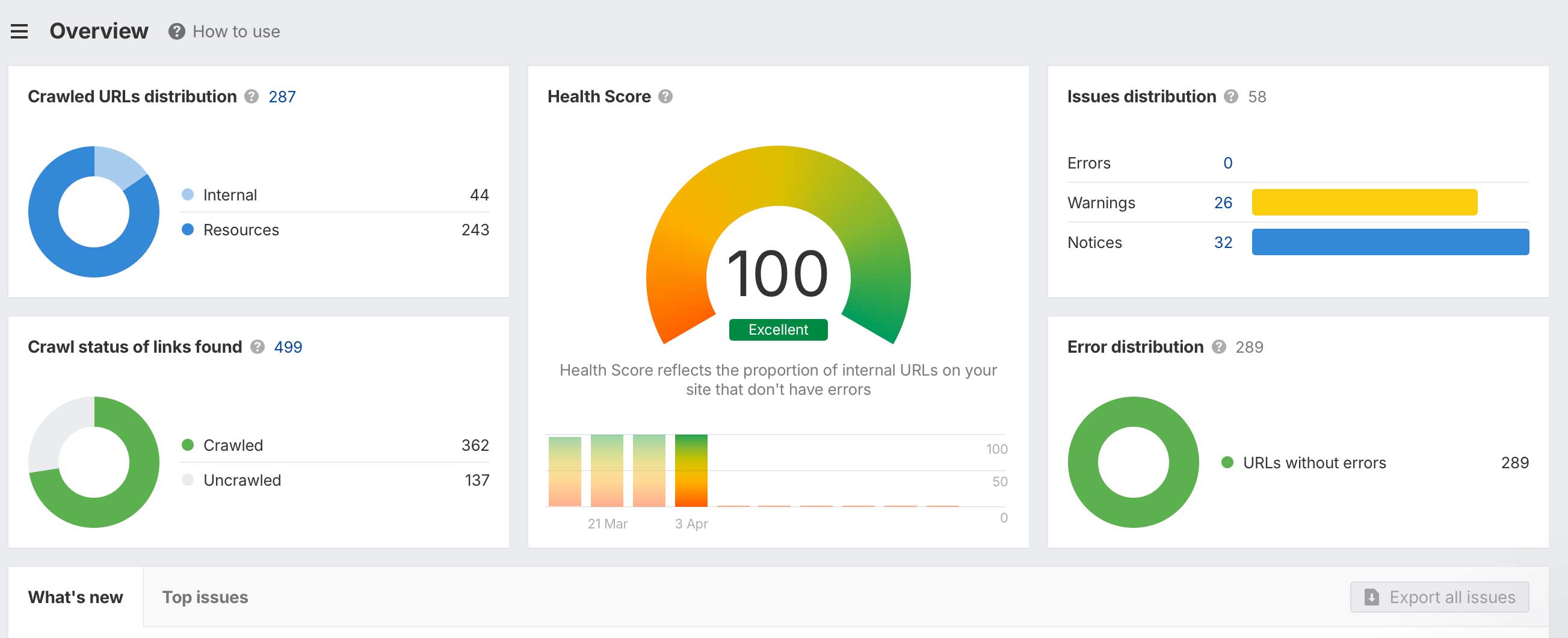
- Next.js website, replaced the Framer CMS, achieving a 100% Ahrefs site health score
We moved the website off Framer and onto Next.js. The Ahrefs health score went from patchy to 100%, but more importantly the site just became easier to work with, we can change things without fighting the platform.
The CRM has three stages. Prospect, active client, complete. That's it. Not seventeen pipeline steps named by someone who's never spoken to a client. The planner is linked to the CRM so we can see what work is happening for who. The newsletter tool sits in the same system, same database.
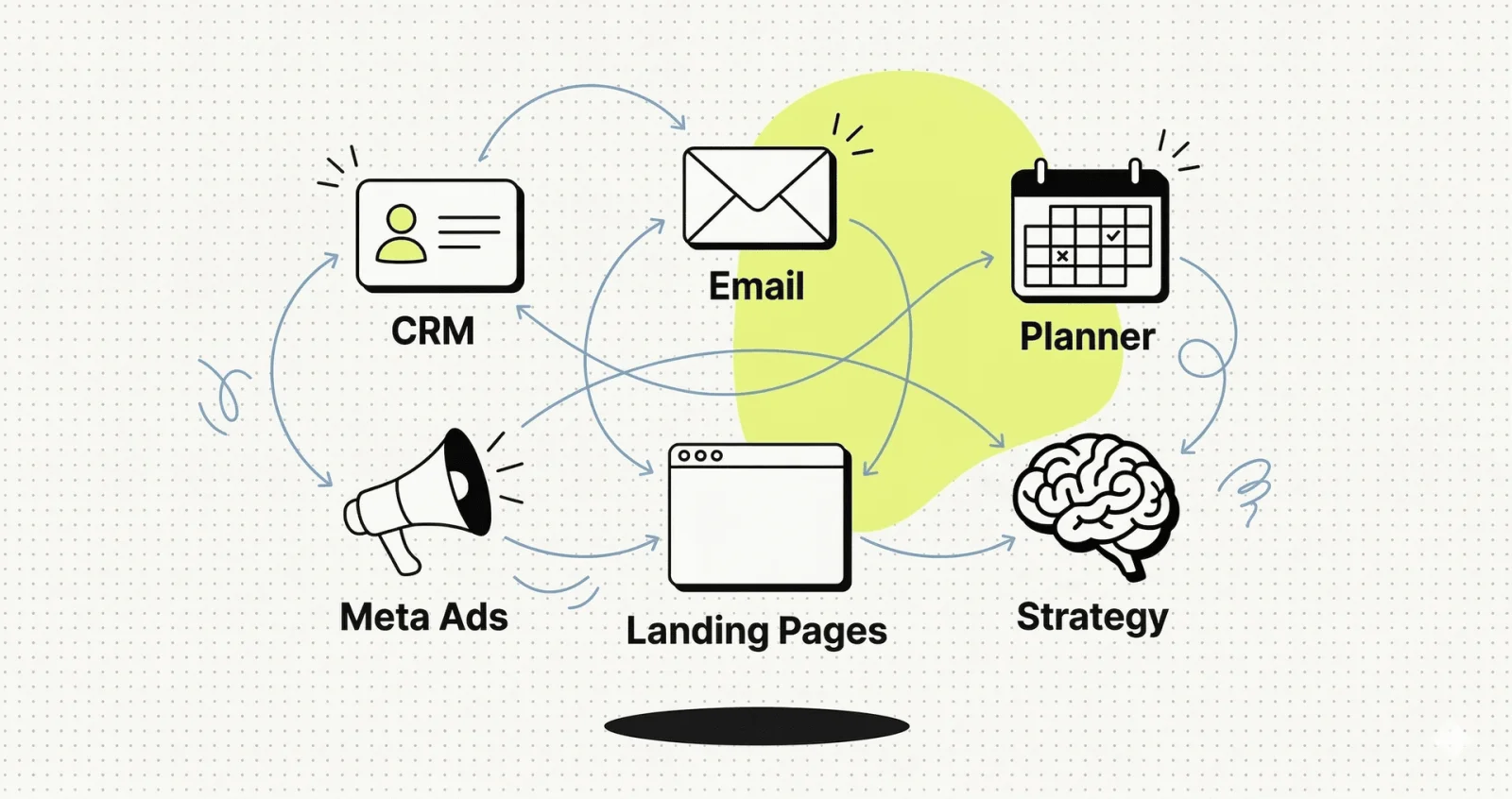
We also built a strategy pipeline where AI agents handle positioning, landing pages, ad copy, and campaign deployment. Each step feeds context into the next one. The campaign tool talks directly to Meta's API, so we can deploy and monitor ads from the same place we manage everything else.
The trade-offs of building your own tools:
- No vendor support team, you maintain it yourself
- Requires discipline to avoid feature creep
- But: faster iteration, new features ship in hours, not vendor release cycles
- Full data ownership and no per-seat licensing costs
When we needed a new flag on contacts last week, it took an hour. No ticket, no vendor, no quarterly roadmap.
Why Any Company Can Build Custom Internal Tools
What's interesting isn't that we did this. It's that the barrier to doing it has dropped enough that most companies could build at least some of their own tools, the ones where off-the-shelf platforms are either overkill or just don't fit.
That doesn't mean it's trivial. You still need to think about what you're building and why. Scope creep is real. Maintenance is real. But the gap between what generic platforms offer and what your business actually needs is getting easier to close.
A lot of businesses are stuck with too many tools, too much manual work, and systems that are more annoying than helpful. Same goes for websites, they often become harder and more expensive to manage than they need to be.
Free guide
Build Your Own Internal Tools
8 pages of practical advice on replacing SaaS bloat with tools that fit. Covers Claude Code, Figma, and a modern web stack.
Download for free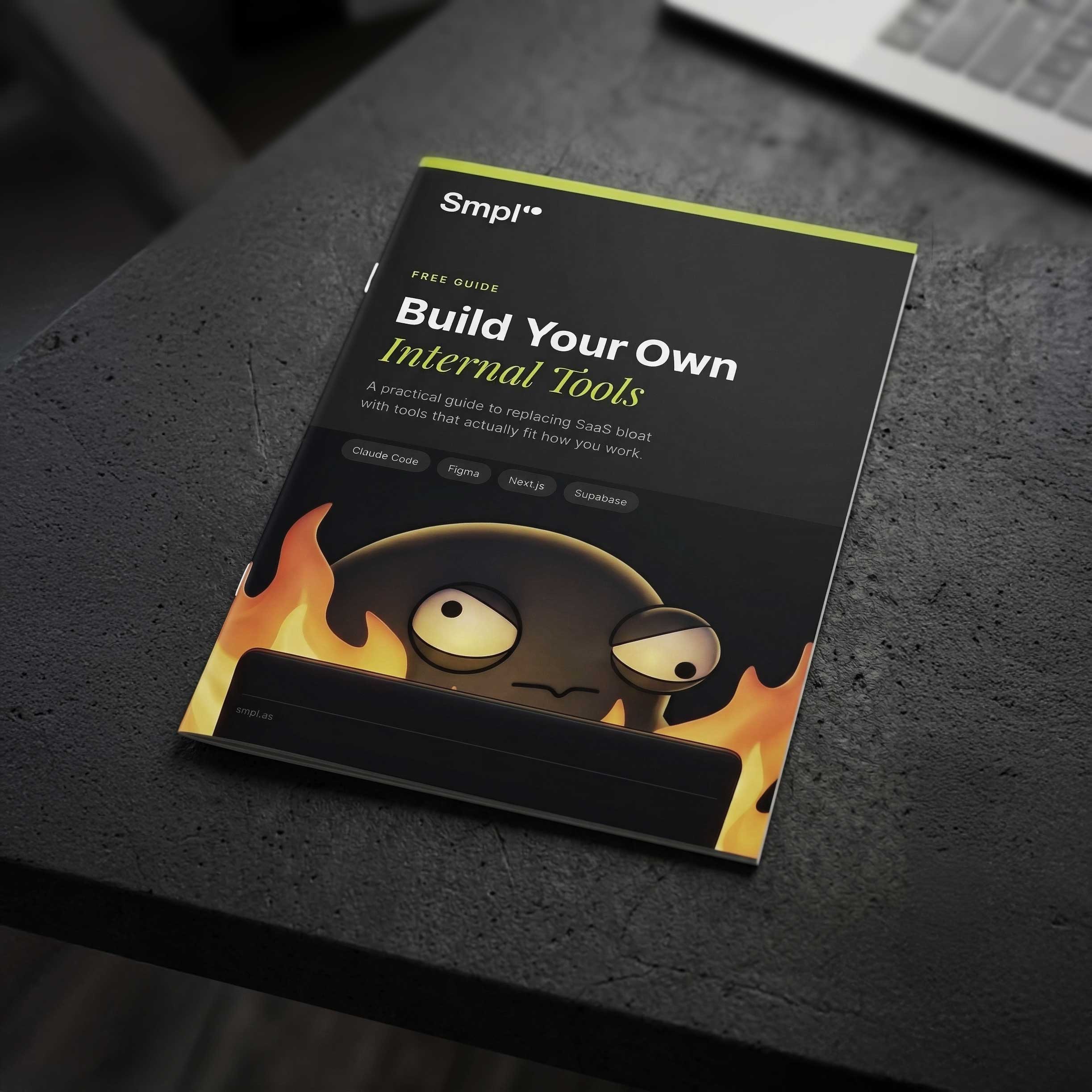
Five Things You Can Do This Week to Assess Your Situation
You don't need to commit to anything. But if the SaaS sprawl is starting to feel heavy, these five steps will tell you whether building makes sense for your team.
1. Audit your tool stack. List every paid tool your team uses. Next to each one, write the percentage of features you actually use. Anything under 20% is a candidate for replacement.
2. Find your most expensive workaround. What's the one thing your team does manually because no tool does it the way you need? That clunky spreadsheet, that copy-paste between platforms, that report someone builds by hand every Monday. That's your first build candidate.
3. Calculate what you're really paying. Add up not just the subscription fees, but the time cost, switching between dashboards, re-entering data, waiting for vendor support. Most teams are surprised when they see the real number.
4. Pick one small thing and prototype it. Don't start with a CRM. Start with a dashboard, an admin panel, or an internal form that replaces a manual process. Something you could build in a weekend. See how it feels to own the tool.
5. Talk to your team. Ask them: "What tool do you dread opening every day?" The answers will tell you where the biggest wins are. People know what's broken, they just assume it can't be fixed.
If you want a structured approach to all of this, our free Build Guide walks through the decision process step by step.
Build vs Buy: The Bottom Line
You don't have to rip out everything and start from scratch. But next time you need a new capability, it's worth asking: do we actually need another platform, or can we just build this one thing?
More often than you'd expect, the answer is yes. If you want to talk about it, get in touch.
Frequently Asked Questions
Is it realistic for a small team to build their own internal tools?
Yes. With modern frameworks like Next.js and AI-assisted coding tools like Claude Code, a team of two to three developers can build a functional CRM, task planner, or newsletter tool in a few weeks. The key is scoping tightly and resisting feature creep.
What are the main risks of building instead of buying?
You take on maintenance responsibility, you don't get a vendor support team, and you need the discipline to keep scope small. But you gain full ownership, zero per-seat costs, and the ability to ship changes in hours instead of waiting for vendor roadmaps.
How do you decide what to build vs what to buy?
Ask yourself: "Are we using less than 20% of this tool's features?" If yes, you are paying for complexity you don't need. Build when your workflow is specific enough that no off-the-shelf tool fits well. Our free Build Guide walks through the full decision process.

About the author
Andreas Melvær
Managing Director & Co-founder, SmplCo
Andreas is the MD and co-founder of SmplCo. A product nerd at heart, he leads the company's 5-Day Prototype service and has helped 150+ startups and enterprises turn ideas into working digital products. He builds with AI, ships with speed, and occasionally wins marketing awards.
Keep reading

I Built My Own CRM. Then a HubSpot Partner Took Me On.
A licensed HubSpot partner invited me on to defend the decision to drop HubSpot. Here is what their CTO and I actually disagreed on, and six things to think through if you are tempted to build your own.

Who Owns AI-Generated Code? A Founder's Legal Guide
AI tools ship code in minutes. But can you copyright it? What if it copies someone else's work? Practical answers for founders building with AI.
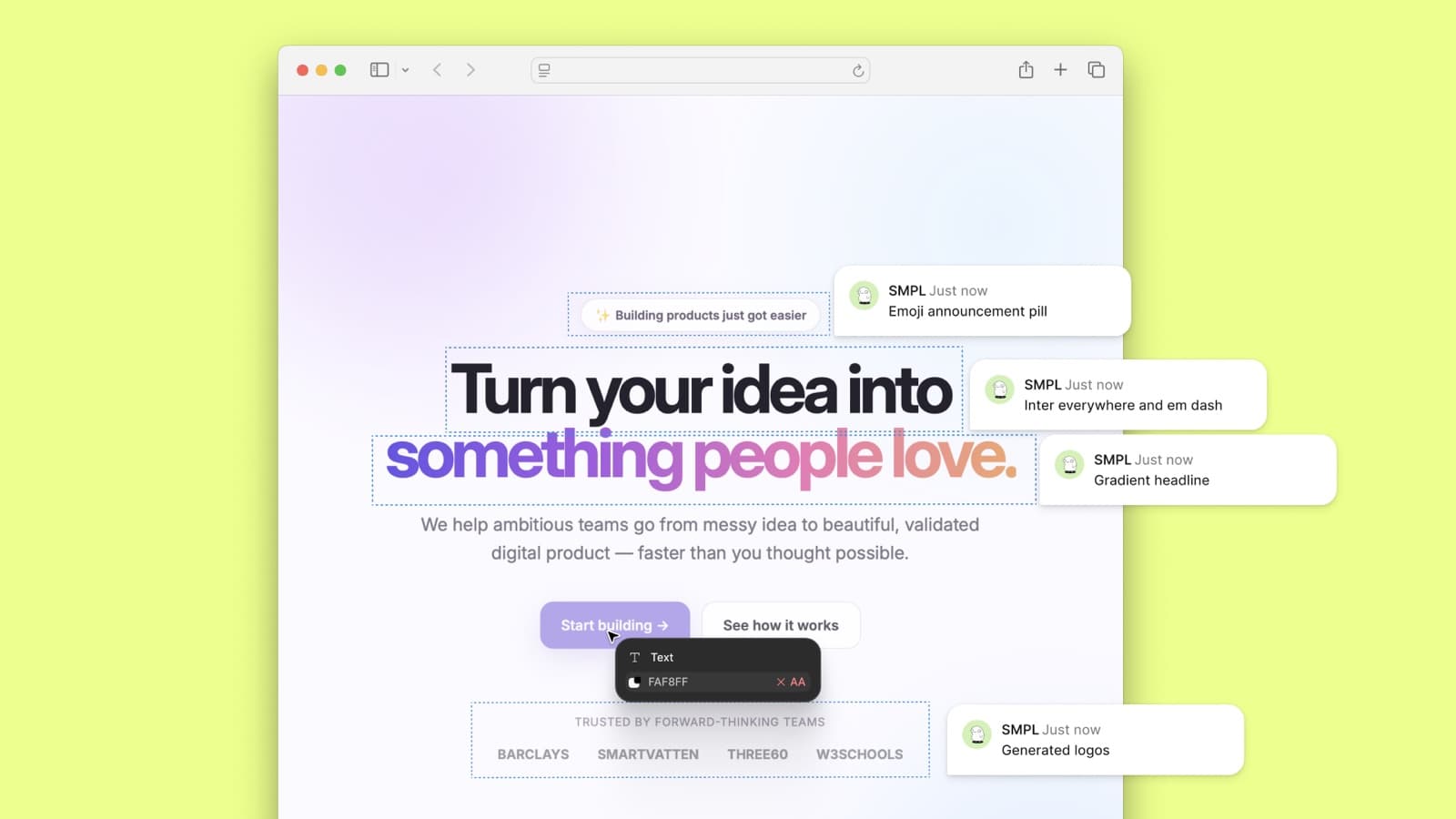
Without a Design System, AI Just Helps You Make a Mess Faster
Vibe-coded internal tools arrive fast and arrive different. A central design system is how an organisation keeps the speed of AI-assisted building and stops the fragmentation.