
Without a Design System, AI Just Helps You Make a Mess Faster
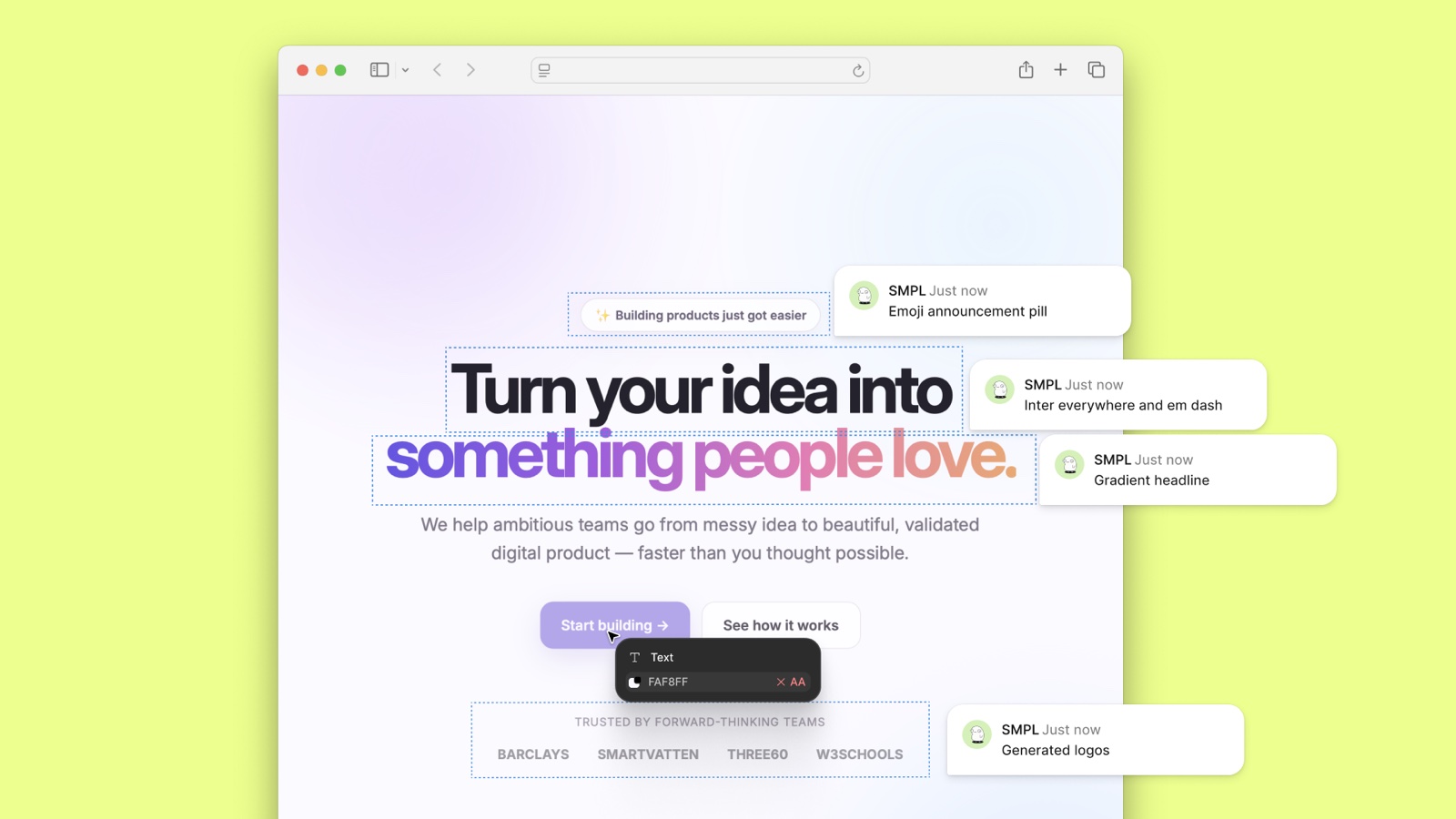
As more innovators turn to AI to build their digital products, a new battleground has emerged that is central to their success. It is a battle you have to win; a key differentiator in a world awash with AI slop. Your design system.
AI: letting you go to the wrong place, quicker
Organisations have finally found the thing they always wanted from software: speed. With AI-assisted coding, teams can spin up tools in days that used to take quarters. Internal apps. Customer portals. Dashboards. Little agents that sit in the workflow and remove a painful step.
The productivity is next level, but the hangover can be a bastard too.
Many corporations expect every team to vibe-code new solutions, it's in KPIs everywhere (or even OKRs if you're one of those progressive people). They quickly end up with fifty tools with fifty different user interfaces and user experiences. Fifty slightly different buttons. Fifty ways to interact, fail, and feel stupid.
A central design system is how you keep the speed and stop the mess.
What is a design system, actually?
Think of it as the product version of a brand playbook: colours, type, spacing, voice. Then go one level up into a component library: buttons, forms, navigation, cards, maps, empty states. One source of truth for how software in your company should look and behave.
The old brand PDF lived in a drawer until someone remembered to open it. A design system wired into your AI production setup does the opposite. Agents pull from it. Devs pull from it. New tools inherit it. Change the system once and the change can travel everywhere.
You take control over how all solutions look and behave, using a set of rules that you know are going to do the job the way it needs to be done - no matter who you've unleashed on it. Pretty neat, eh?
On the flip side, when these rules don't exist in a design system, things go awry fast. Add AI speed to the mix and you're in a world of pain.
Problem 1: accessibility gets quietly broken
When people with no design background generate interfaces at volume, accessibility is usually the first casualty. At the very least, this usually means:
- The contrast is too low
- Text is too small
- Labels are missing for screen readers
That is not a niche complaint. It leaves behind more people than you might think. It is also regulatory risk. Universal access rules exist for a reason. An organisation that ships AI tools without a shared standard will break those rules again and again. but it's easy to fix.
A central design system encodes the non-negotiables: contrast, type sizes, focus states, readable structure. Then every new app starts compliant, instead of adding to a backlog of risk (and it's just as fast.)
Problem 2: every new tool becomes a new way of working
Creating new tools is easy, the hard part is usually adoption. We often tell SmplCo clients: "It's an adoption game".
Getting people to use new apps is REALLY HARD. (That's why around 75-80% of apps that make it to the App Store or Google Play have ZERO users after one month.)
If each department ships its own interface language, every new tool is a fresh learning curve. Search works differently. Filters live in a different place. Status colours mean something else. The mental tax stacks up until people revert to how they did things before with the spreadsheet they trust.
A shared component library eases adoption, a lot. Search looks like search. Cards behave like cards. Maps work the same way across products. Staff only have to learn what the new tool does, not a new way of using a tool.
And it's just as fast.
Problem 3: your brand will not survive unsupervised AI
Ask an unconstrained model to design an interface and it reaches for what it knows: free libraries, stock patterns, soft purple, rounded everything, the same empty dashboard with four big numbers. I wrote about this pattern in AI and the Demise of Great UI.
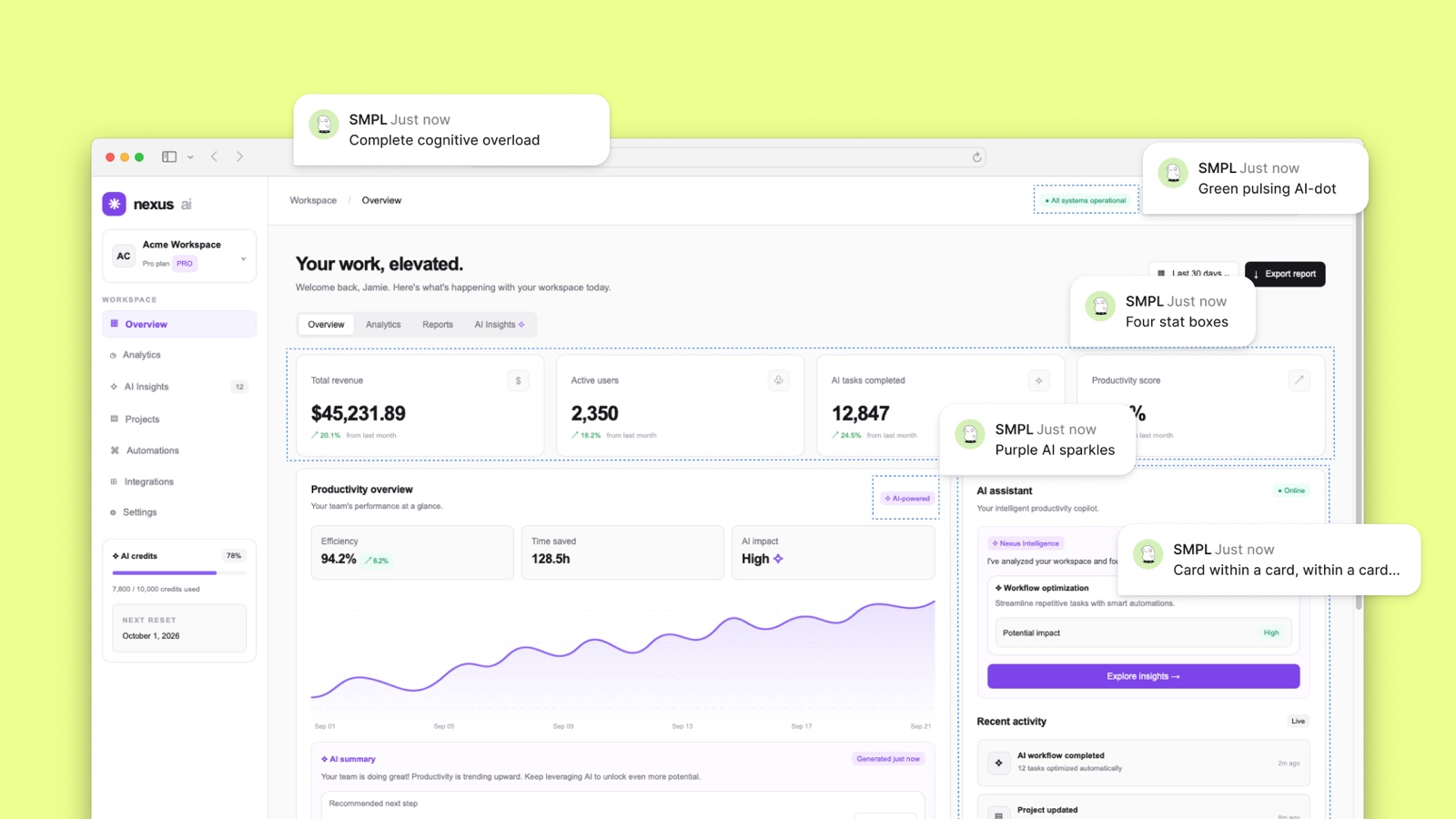
Users may never say "this was made by a model." They feel it. Investors feel it. Customers feel it. And they do not trust it.
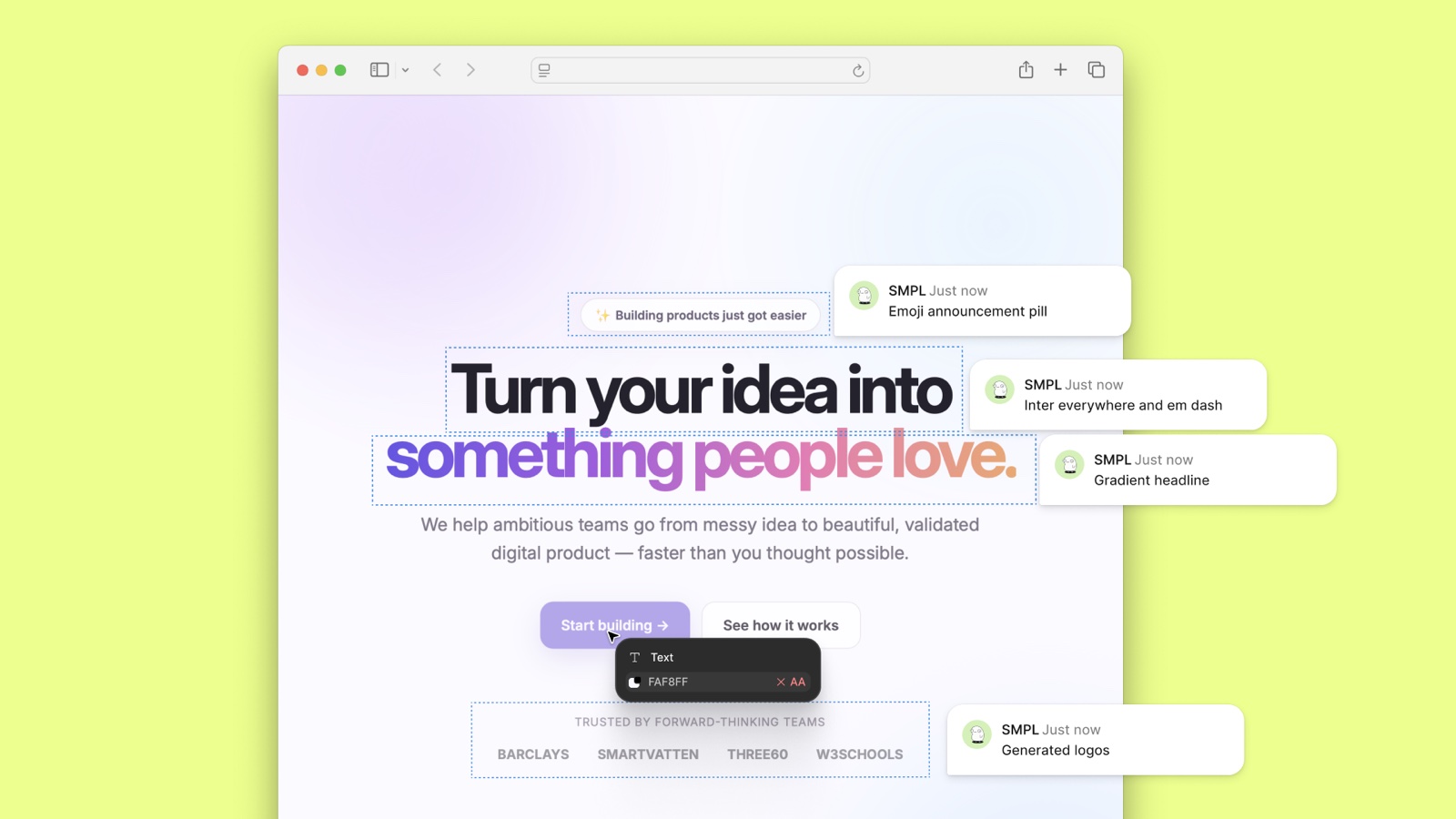
Your company has a look and feel. AI will not protect it for you. Without a design system that is yours, and operationalised every generated screen slowly erodes the brand into something generic and fairly untrustworthy. With one, the brand is enforced. Your systems will look deliberate and its just as fast.
How to capitalise on AI speed without the landfill
You do not need a 200-component cathedral on day one.
Start with the essentials that carry trust and usability. This is a good checklist to start wth:
- colour
- type
- spacing
- buttons
- forms
- navigation
- empty states
Make them specific to you. Put them where your agents and builders actually work, not only in a Figma file nobody opens. Then make that system mandatory for AI-assisted builds the same way source control is mandatory for code.
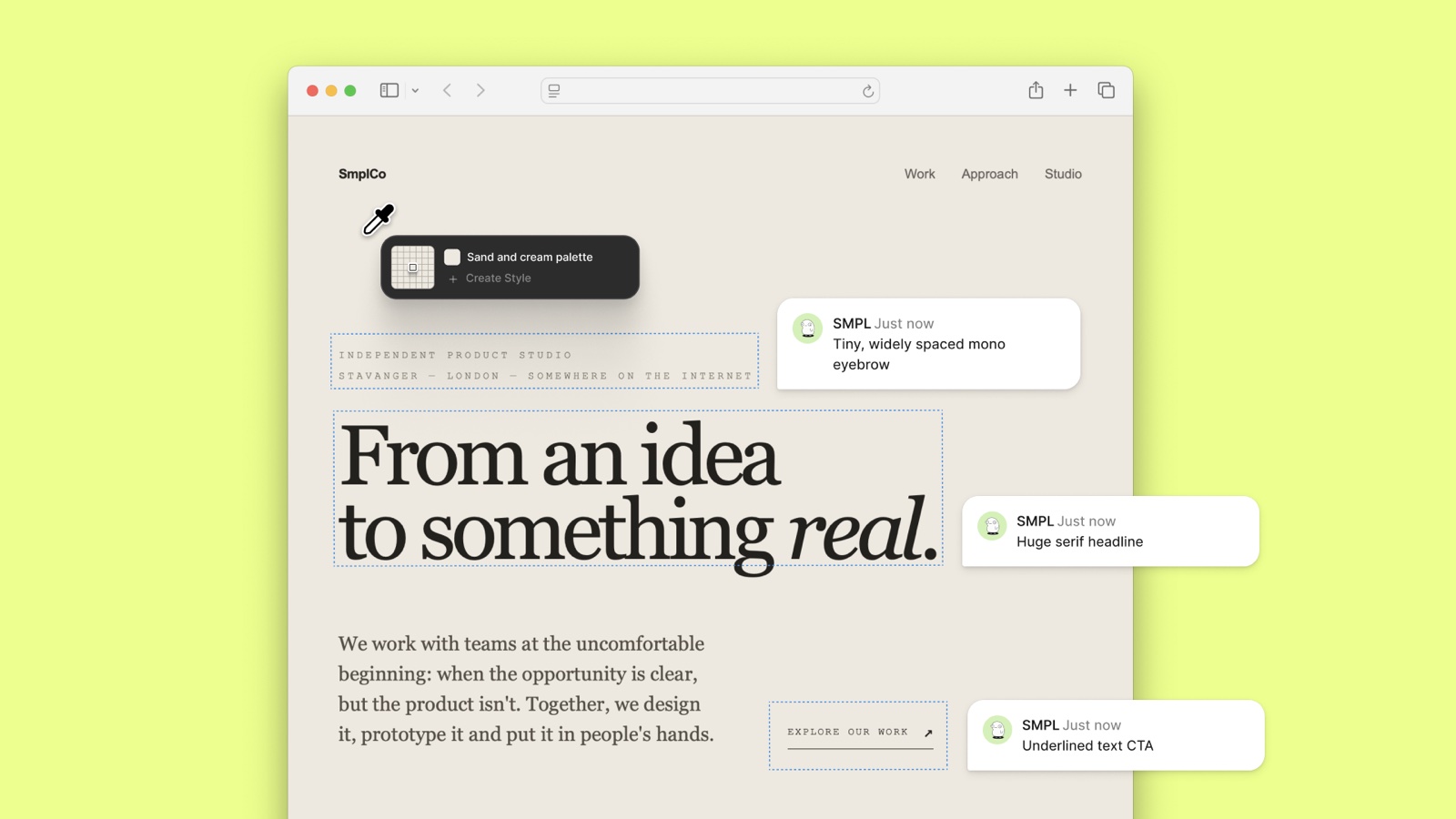
The pattern is simple:
- Humans set the standard.
- AI builds inside it.
- The organisation ships fast and recognisable.
What good looks like is not complicated. Two products we designed, each with its own palette, type and components, so nothing on the screen could be mistaken for a template.
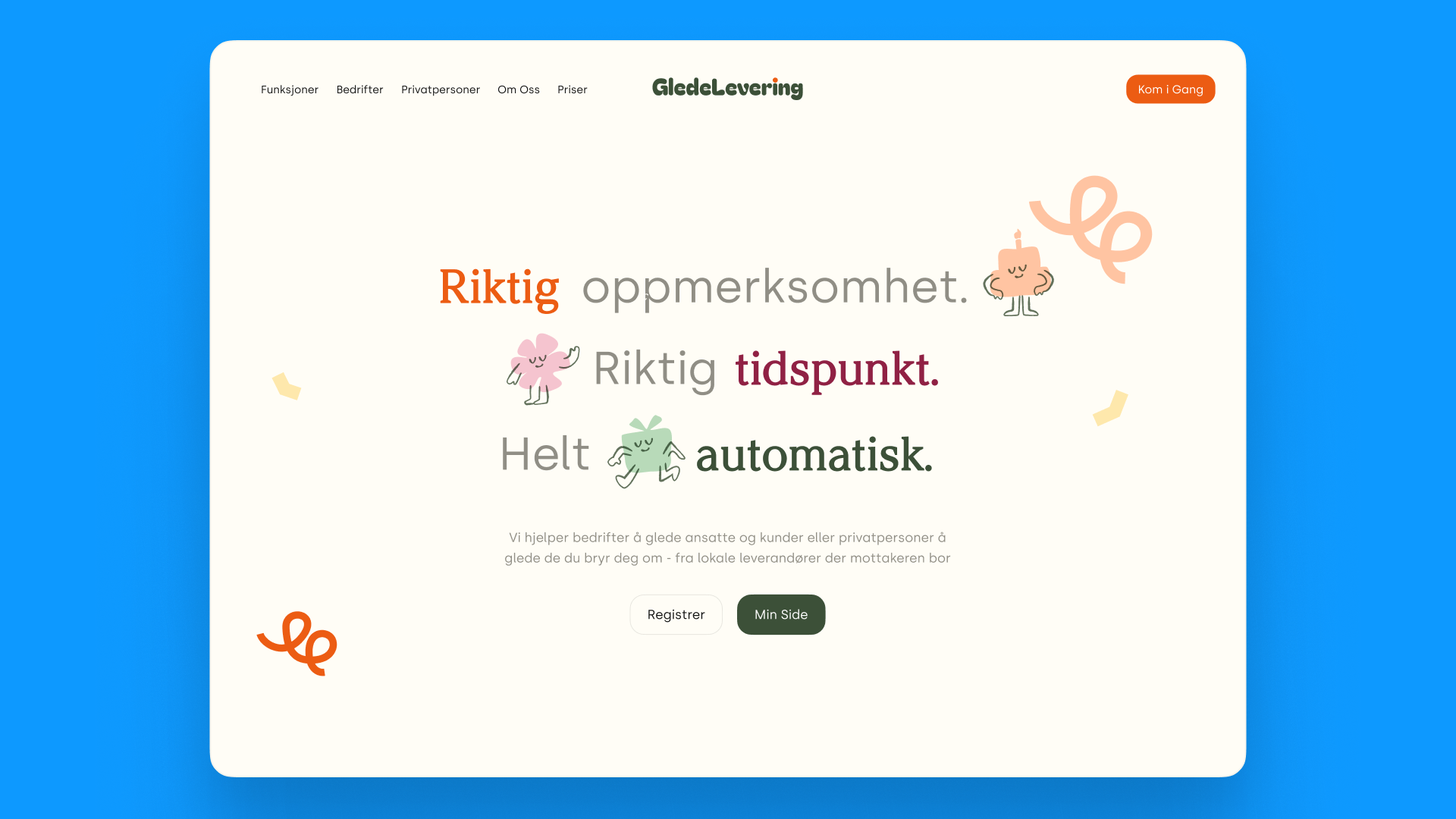
Orli, an emotional support platform for schools. A warm palette, cards that belong to the brand, and a dashboard that tells a member of staff where to look first.
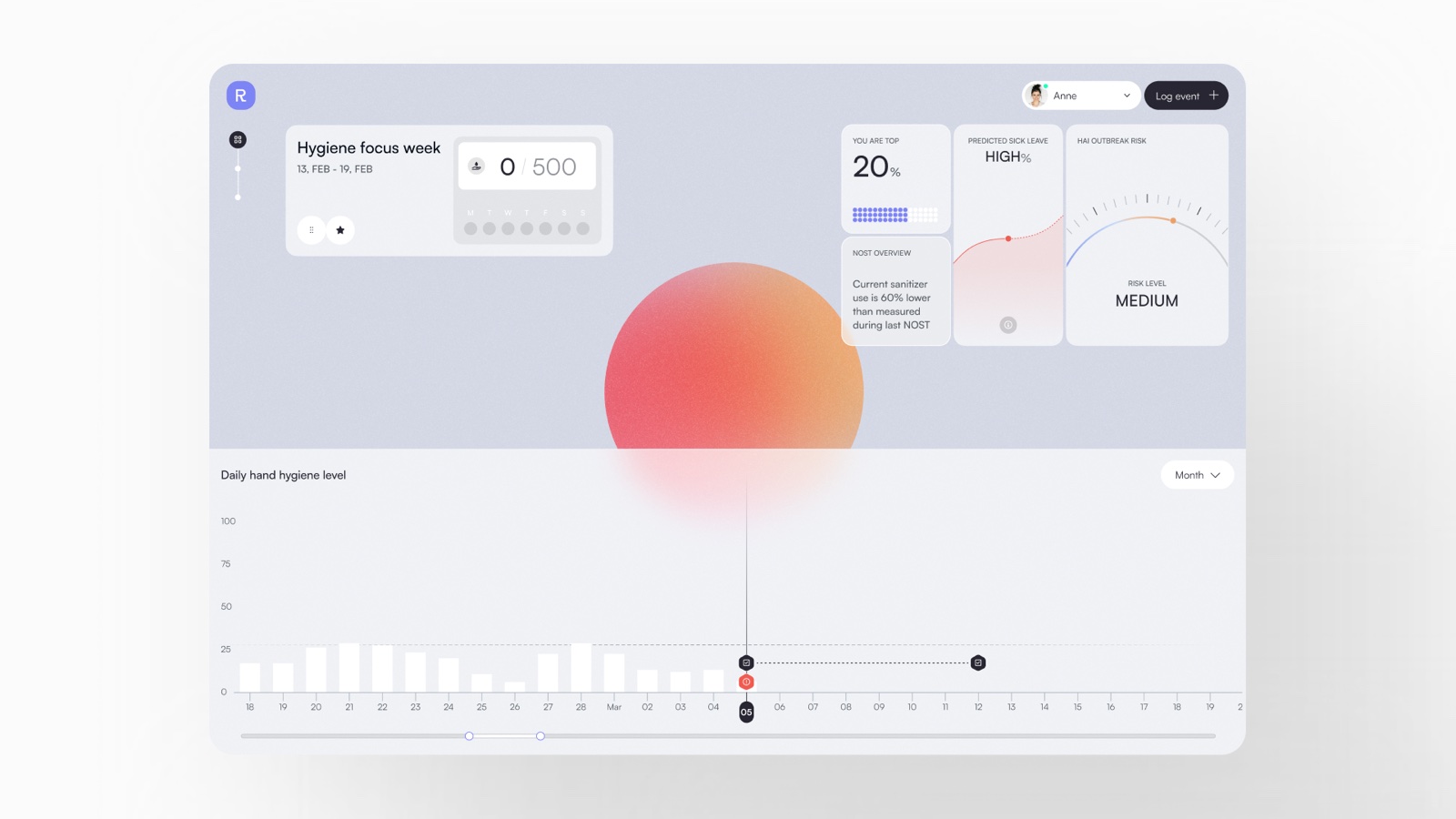
Resani, hand-hygiene monitoring for hospitals. One chart, three signals, and a visual language that is unmistakably theirs.
That is the difference between AI in charge and AI assisted.
AI in charge gives you velocity and a mess. AI assisted gives you velocity with a face, a floor for accessibility, and a fighting chance at adoption. It is the same discipline we apply to our own builds, and the reason we put the system in place before the first prototype, not after the tenth.
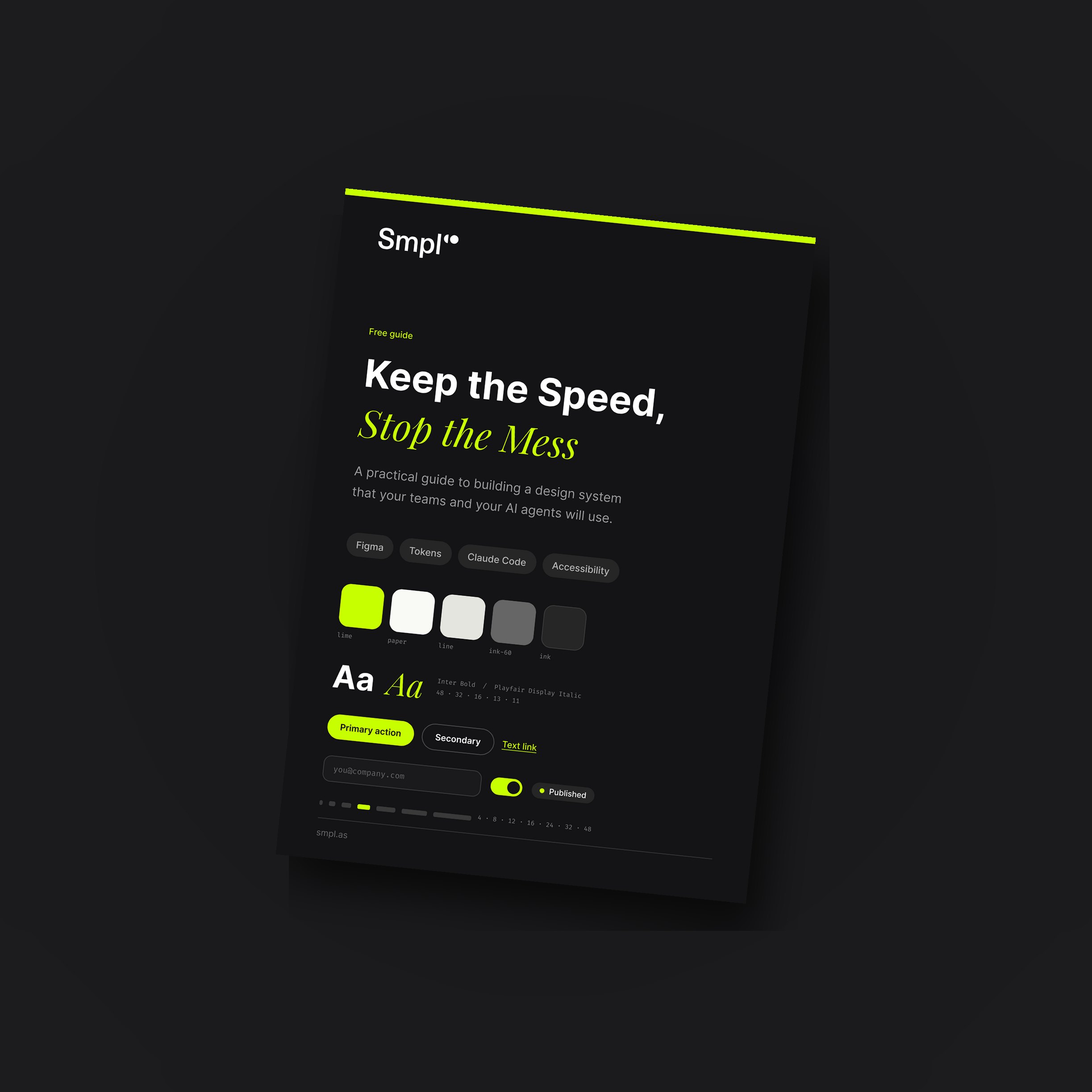
Free guide
Keep the Speed, Stop the Mess
Our seven-page Design System Guide: why 95% of AI projects deliver no measurable value, what breaks first when teams dive into AI, what a design system actually looks like, and five steps to plug one in.
The decision
If your company is about to mandate AI-built apps at scale, or you are already shipping then it's time to get yourself a design system. If you want help putting one together, get in touch.
Otherwise you will get exactly what you asked for: more software, faster.
And a workforce that cannot bear to use it.

About the author
Andreas Melvær
Managing Director & Co-founder, SmplCo
Andreas is the MD and co-founder of SmplCo. A product nerd at heart, he leads the company's 5-Day Prototype service and has helped 150+ startups and enterprises turn ideas into working digital products. He builds with AI, ships with speed, and occasionally wins marketing awards.
LinkedIn →Frequently asked questions
- What is a design system?
- A design system is one source of truth for how software in your company should look and behave. It starts with brand basics such as colour, type, spacing and voice, then goes one level up into a component library: buttons, forms, navigation, cards, maps and empty states. Wired into your AI production setup, agents and developers pull from it and every new tool inherits it.
- Why does AI-assisted coding need a design system?
- Because unconstrained generation defaults to generic patterns and quietly breaks accessibility. Without a shared standard, every AI-built tool becomes a new interface to learn, contrast and keyboard paths fail, and the brand erodes into something faintly untrustworthy. A design system encodes the non-negotiables so every new app starts compliant and recognisable.
- How big does a design system need to be before AI teams can use it?
- Not big. Start with the essentials that carry trust and usability: colour, type, spacing, buttons, forms, navigation and empty states. Make them specific to your company, put them where your agents and builders actually work, and make the system mandatory for AI-assisted builds the same way source control is mandatory for code.
Keep reading

Building AI inside the Microsoft stack you already own
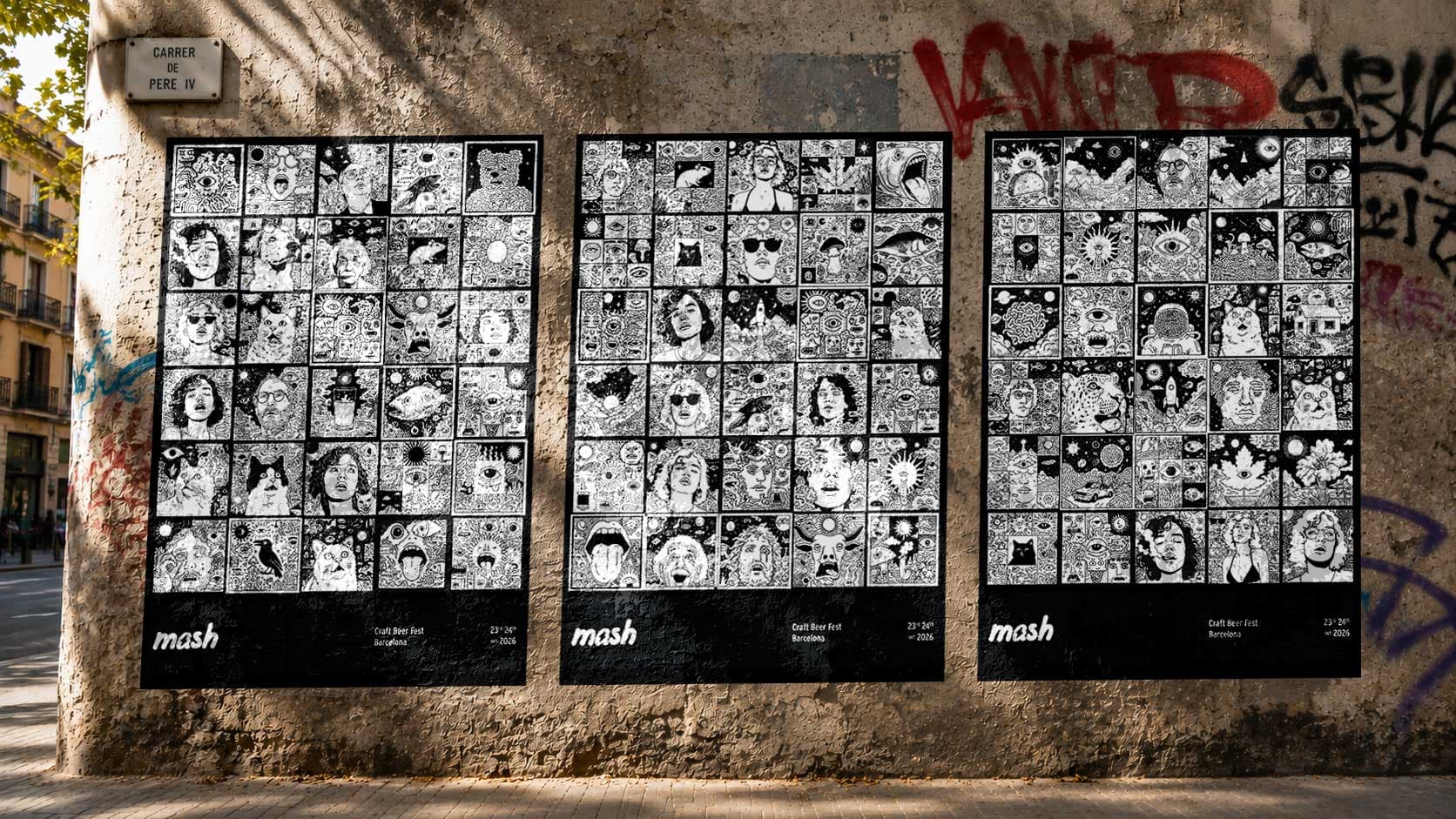
We Automated a Beer Festival in an Afternoon. Most Workflow Fixes Are Like This Now.
We built an automation tool for the Mash beer festival in Barcelona in an afternoon. The point: improving how an organisation works doesn't have to take months.

AI and the Demise of Great UI
Everyone can 'design a product' with AI now. Our UI/UX Design Lead, Leonardo Hernandez, on why AI-led design still looks like AI-led design, and what actually earns a user's trust.